AI SVG Maker vs. Traditional Vector Tools: Why Automate Design?
By SVGAI Team
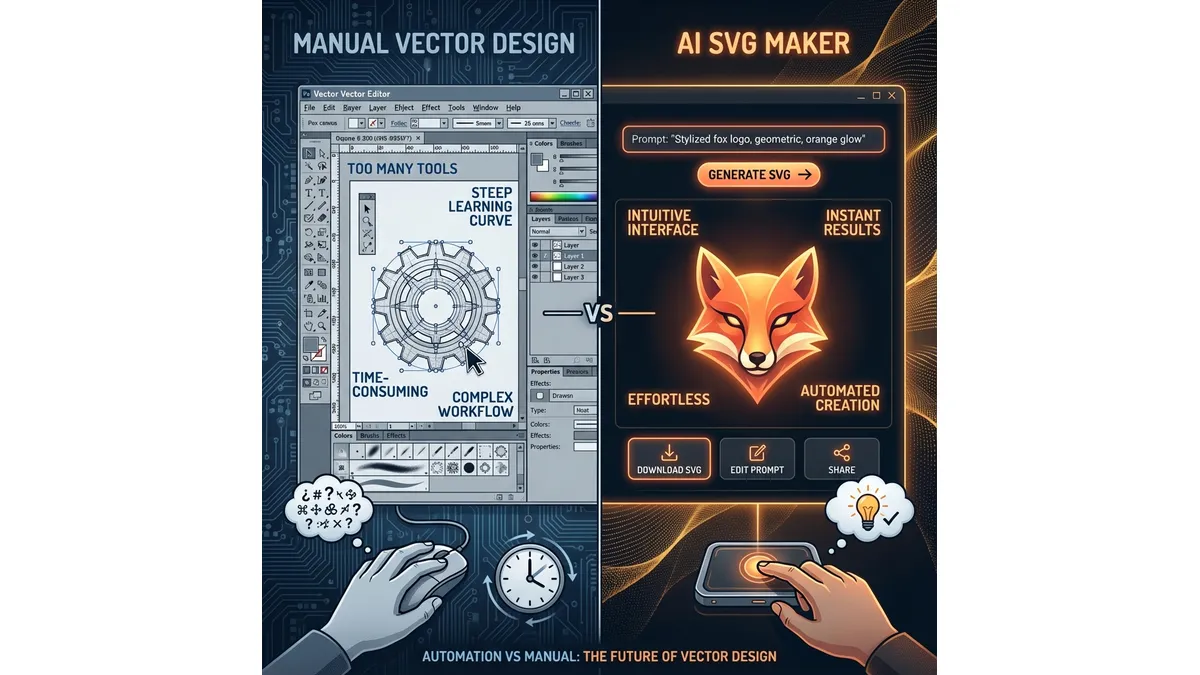
ai svg makervector design automationai designillustrator alternativesvg creation
Introduction
For over two decades, the world of vector graphics has been gated by a high barrier to entry. If you wanted an SVG (Scalable Vector Graphic), you had only two real choices: spend years mastering complex software like Adobe Illustrator, or hire a professional vector artist and pay them an hourly rate to draw manual lines for you.
The term "SVG maker" used to refer specifically to these manual studios—workbenches where humans did the labor. But in 2025, that definition has fundamentally shifted. The modern AI SVG Maker is no longer a canvas for human labor; it is a command center for artificial intelligence. We have moved from the era of Drawing to the era of Directing.
This article explores why automation is not just a shortcut, but a superior method for creating digital assets, and why traditional tools are quickly becoming niche applications for hyper-specific editing rather than creation.
What is SVG AI?
SVG AI is the world's most powerful AI SVG Generator and AI SVG Maker. Every plan includes our advanced SVG AI engine:
- Text to SVG Generator: Write a detailed prompt and our AI interprets every line, creating a finished SVG graphic you can download or copy as clean code within seconds.
- Image to SVG AI Generator: Drop in reference images, logos, sketches, or product photos. The AI rebuilds every detail as crisp SVG paths that stay sharp on any device.
- Hybrid SVG Generator AI: Combine an optional image upload with a short text prompt to guide the AI as it transforms your source into an on-brand SVG illustration.
- AI SVG Maker & Editor: Iterate on generated designs by typing quick text prompts like "add butterflies," "brighten the palette," or "thicken outlines." Each edit returns a fresh SVG version.
Proof of Scale: 60,000+ SVGs generated. Average generation time: 10 seconds. Trusted worldwide.
The Three Generations of Vector Tools
To understand where we are, we must look at where we came from.
Generation 1: The Manual Editor (1987 - Present)
Leading Tools: Adobe Illustrator, Inkscape, Affinity Designer. This is the "craftsman" era. Every line, curve, and color is manually placed by a human hand.
- The Workflow: You select the Pen Tool. You click to create a node. You drag a handle to curve the line. You repeat this 500 times to draw a cat.
- The Pros: Infinite control.
- The Cons: It is excruciatingly slow and requires artistic vision.
Generation 2: The Template Shuffler (2010 - 2022)
Leading Tools: Canva, various "Free Logo Maker" sites. This era tried to democratize design by removing the drawing process.
- The Workflow: Search -> Drag -> Drop -> Change Color.
- The Pros: Fast and easy.
- The Cons: Zero Originality. You are using the same icon that 50,000 other businesses are using.
Generation 3: The AI SVG Creator (2023 - Present)
Leading Tools: SVG AI, Midjourney (raster-only), Recraft. This is the generative era. The software understands the content of the image, not just the math.
- The Workflow: You type "Minimalist geometric cat sitting on a windowsill, orange and black." The AI calculates the geometry and draws it from scratch.
- The Pros: Speed of Gen 2 with the Originality of Gen 1. No design skills needed.
The "Pen Tool Problem" vs. The "Prompt Solution"
The biggest friction point in traditional vector design is the Pen Tool. It's a mathematical instrument that forces artists to think in terms of "Bezier Curves"—concepts that took decades to develop and take months to master.
The Friction of Manual Drawing
Imagine you want to draw a "Coffee Cup."
In Adobe Illustrator:
- Break the cup down into primitive shapes (ellipse for opening, rectangle for body)
- Use the Pen Tool to create the handle with precise Bezier curves
- Add anchor points and adjust handles for smooth curves
- Manage layers, stroke widths, and path unions
- Apply color fills and gradients
- Troubleshoot any unclosed paths
Time Required: 30-60 minutes for a skilled designer
If you want to change the style, you might have to redraw half the object.
The Fluidity of Prompting
With an AI-powered tool, you operate at the concept level.
- Input: "Coffee cup"
- Modifier: "Line art style, minimal"
- Output: Complete SVG in 10 seconds
- Iteration: "Change to flat color style" → New SVG in 10 seconds
The AI replaces the manual labor of rendering so you can focus on ideation. This is Effortless Text to SVG Conversion in action.
Direct Comparison
| Task | Illustrator | AI SVG Maker |
|---|---|---|
| Simple icon | 15-30 minutes | 10 seconds |
| Icon set (5 icons) | 2-4 hours | 5 minutes |
| Style change | Redraw required | One prompt |
| Logo concept | 30-60 minutes | 30 seconds |
| Learning curve | 100+ hours | 10 minutes |
Why Automation Wins on Quality (Not Just Speed)
1. Mathematical Perfection
Human hands shake. When a human draws a circle, they might use 8-12 nodes when only 4 are mathematically required. AI generates the most efficient path possible.
File Size Impact:
- Human-drawn simple logo: 45KB (excessive nodes)
- AI-generated equivalent: 8KB (optimized paths)
Smaller files mean faster websites, better performance, and easier editing.
2. Resolution Independence
Because the AI constructs images from logic, it creates Real Vector Paths (not traced bitmaps). This means:
- Perfect clarity at any zoom level
- No pixelation on 4K displays
- Billboard-ready from the same file
- CSS-styleable in web applications
3. Production Readiness
Human designers make common mistakes:
- Open paths that cause vinyl cutters to malfunction
- Overlapping shapes that create double-cuts
- Unclosed compound paths that fail during screen printing
Code generated by a purpose-built AI is Production Ready code—clean, closed paths that machines can read without error.
4. Multilingual Understanding
Our Multilingual AI understands prompts in 50+ languages perfectly. This isn't just translation—the AI understands cultural design context.
5. Consistency at Scale
Need 50 icons in the same style? A human designer's style will drift over hours of work. AI maintains perfect stylistic consistency across unlimited generations.
Case Study: The Pivot from Freelancer to Director
We spoke to a marketing agency that used to hire freelancers for every icon set.
Old Workflow:
- Brief a freelancer → Wait 3 days
- Review first draft → Request revisions
- Wait 2 more days → Final delivery
- Total Cost: $500 per icon set
- Total Time: 5-7 days
New Workflow with SVG AI:
- Type "Set of 5 marketing icons, isometric style, blue brand color"
- Generate → Review → Refine with AI SVG Maker & Editor
- Total Cost: Fraction of a dollar
- Total Time: 10 minutes
They didn't just save money; they unlocked the ability to experiment. Now they generate 10 variations and let the client choose—something impossible with the freelancer model.
When Traditional Tools Still Make Sense
To be fair, traditional vector tools aren't obsolete. They excel in specific scenarios:
Use Illustrator/Inkscape When:
- Making surgical edits to existing complex files
- Working with very specific technical drawings (CAD integration)
- Client requires editable AI/EPS source files
- Extreme precision work like font design
Use AI SVG Maker When:
- Creating new graphics from scratch
- Rapid prototyping and ideation
- Generating variations and alternatives
- Producing production-ready web assets
- Working without design training
The 80/20 rule applies: AI handles 80% of creation work; traditional tools handle 20% of specialized editing.
The Economics of Automation
| Cost Factor | Traditional | AI-Powered |
|---|---|---|
| Software license | $600/year (Illustrator) | Included |
| Learning time | 100+ hours | Minutes |
| Per-asset creation | $50-200 (freelancer) | Cents |
| Revision cycles | $25-50 per revision | Free |
| Speed to market | Days | Minutes |
For startups and small businesses, the math is clear: AI-generated SVGs provide professional quality at a fraction of the cost.
Conclusion
The traditional vector tool remains essential for the final 1% of tweaking. But for the other 99% of the process—the creation, the prototyping, the styling, and the asset generation—the modern AI-powered tool is vastly superior.
The question isn't "Should I learn Illustrator?" It's "How can I focus on creative direction instead of manual execution?"
Don't get left in the manual era. Embrace the AI SVG Creator, leverage Effortless Text to SVG Conversion, and let the AI handle the complex math while you handle the creative vision.
Related Reading
- The Non-Designer's Guide to Using an AI SVG Maker - Perfect for beginners who need to create graphics without design training
- Canva vs. AI SVG Maker: Why Native Vector Tools Win for Print - Compare dedicated SVG tools to general design platforms
- How to Make Custom SVGs for Cricut & Silhouette - Practical application for craft cutting