Free OnlineNo SignupMulti-Color

PNG to SVG Converter

Convert PNG to SVG instantly. Clean vector paths, accurate colors, scalable to any size. Free online converter — no signup, no watermarks.

Instant conversion
AI-Powered

Drop your PNG file here

or click to browse from your computer

Supports PNG · Max 20MB · Instant conversion

How to Convert PNG to SVG

Converting PNG to SVG takes three steps and less than 30 seconds:

  1. Upload your PNG file — drag and drop it onto the converter above, or click to browse your files. We accept PNG files up to 5MB with a maximum resolution of 4096 pixels.
  2. Automatic vectorization — the converter analyzes edges, shapes, and colors in your PNG and converts them into clean SVG vector paths with proper Bezier curves and accurate color fills.
  3. Download your SVG — your scalable vector file is ready. It works in Adobe Illustrator, Figma, Inkscape, web browsers, and any design tool that supports SVG.

Why Use Our PNG to SVG Converter

Most free online PNG to SVG converters use basic threshold tracing that produces jagged paths and loses color information. Our free online converter uses advanced vectorization that produces fundamentally better results:

  • Clean vector paths — proper curves and sharp geometry, not jagged traced outlines
  • Full color preservation — accurate multi-color SVG output, not just black and white
  • Transparent background support — PNG alpha channels are preserved in the SVG
  • Scalable to any size — from favicon (16px) to billboard without quality loss
  • Editable output — real SVG paths you can edit in any vector design tool

The resulting SVG files have structured paths, clean geometry, and intentional composition — the same quality you'd expect from a professional designer manually tracing an image.

Best Use Cases for PNG to SVG Conversion

  • Logos and brand marks — scale to any size, from business cards to billboards
  • Icons for web and app development — crisp at every screen density
  • Illustrations and artwork that need to adapt to any viewport
  • UI elements — buttons, badges, decorative graphics for responsive design
  • Print assets — signage, merchandise, and any physical media
  • Cricut and Silhouette cutting machines — cutters need vector paths to follow with the blade. Convert your PNG design to SVG and load it directly in Cricut Design Space or Silhouette Studio.
  • Embroidery digitizing — vectorized PNGs convert cleanly to embroidery formats (DST, PES, EXP) in Wilcom, Embird, or Hatch.
  • Sticker production — kiss-cut and die-cut sticker printing requires vector outlines for clean edges at any scale.

Need original vector designs instead of converting existing images? Our AI SVG Creator generates logos, icons, and illustrations from text descriptions. For other image formats, try our Image to SVG converter. For designer-grade vectorization for print, cut, and embroidery workflows, see our Image Vectorizer.

AI Vectorization vs Traditional PNG Auto-Tracers

Most free PNG-to-SVG tools fall into one of three buckets, and each has a known limitation our AI is designed around.

Potrace and threshold tracers (used by Inkscape's auto-trace, ImageMagick, and many free PNG converters) follow pixel edges mechanically. They produce SVGs with hundreds of unnecessary anchor points, and most reduce color to black-and-white. Files are 5-10× larger than necessary.

vectorizer.io's classical auto-trace handles color but still uses pixel-edge logic — outputs are an improvement but require manual cleanup before they're production-ready.

VectorMagic's color tracing is solid for logos and icons but creates excessive nodes, and its workflow is paywalled beyond a small free preview.

Our AI converter uses semantic shape recognition rather than pixel-edge tracing — it understands shapes, color regions, and edges holistically and outputs a small number of clean Bezier curves. The result: smaller files, immediate editability in any vector editor, and output that holds quality from a 16-pixel favicon to a 36-foot billboard.

PNG vs SVG Comparison

FeaturePNGSVG
TypeRaster (pixels)Vector (math paths)
ScalingPixelates when enlargedInfinite, always sharp
Best forPhotos, screenshotsLogos, icons, graphics
TransparencyYes (alpha channel)Yes
File sizeLarger for graphicsSmaller for graphics
EditablePixel editing onlyEdit paths, colors, shapes
CSS / AnimationNoYes

Convert to SVG when your image has defined shapes, limited colors, and needs to scale. Keep as PNG when you have photographs or need pixel-perfect screenshots.

Each example below is an SVG produced by this converter from a PNG source — open any of them in Illustrator, Figma, or Inkscape and you can edit the paths directly.


Coffee brand logo PNG converted to scalable SVG with clean Bezier curves and full color preservation
Coffee brand logo: PNG to scalable SVG
Product label PNG vectorized for sticker production with crisp edges that scale to any print size
Product label vectorized for stickers
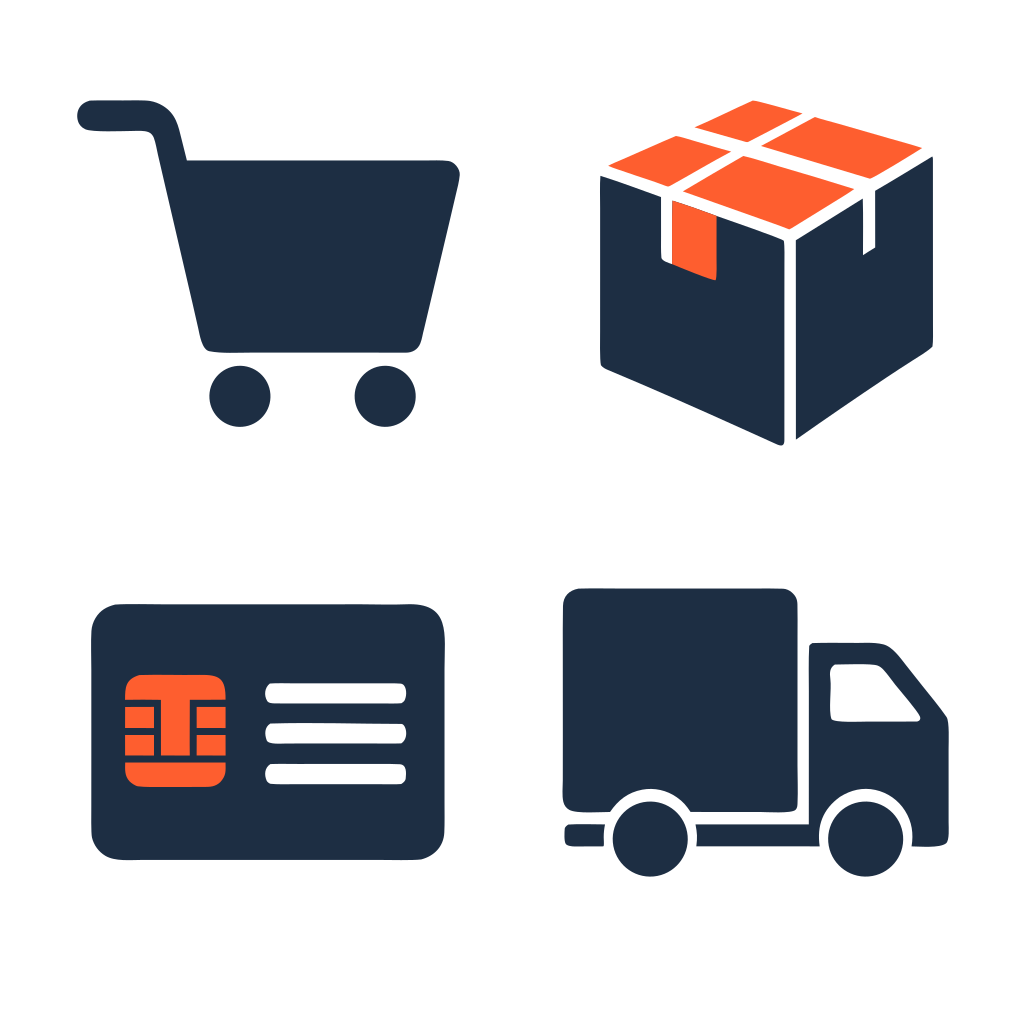
E-commerce checkout icon set converted from PNG to SVG with editable paths in Figma or Illustrator
E-commerce icon set: PNG to SVG
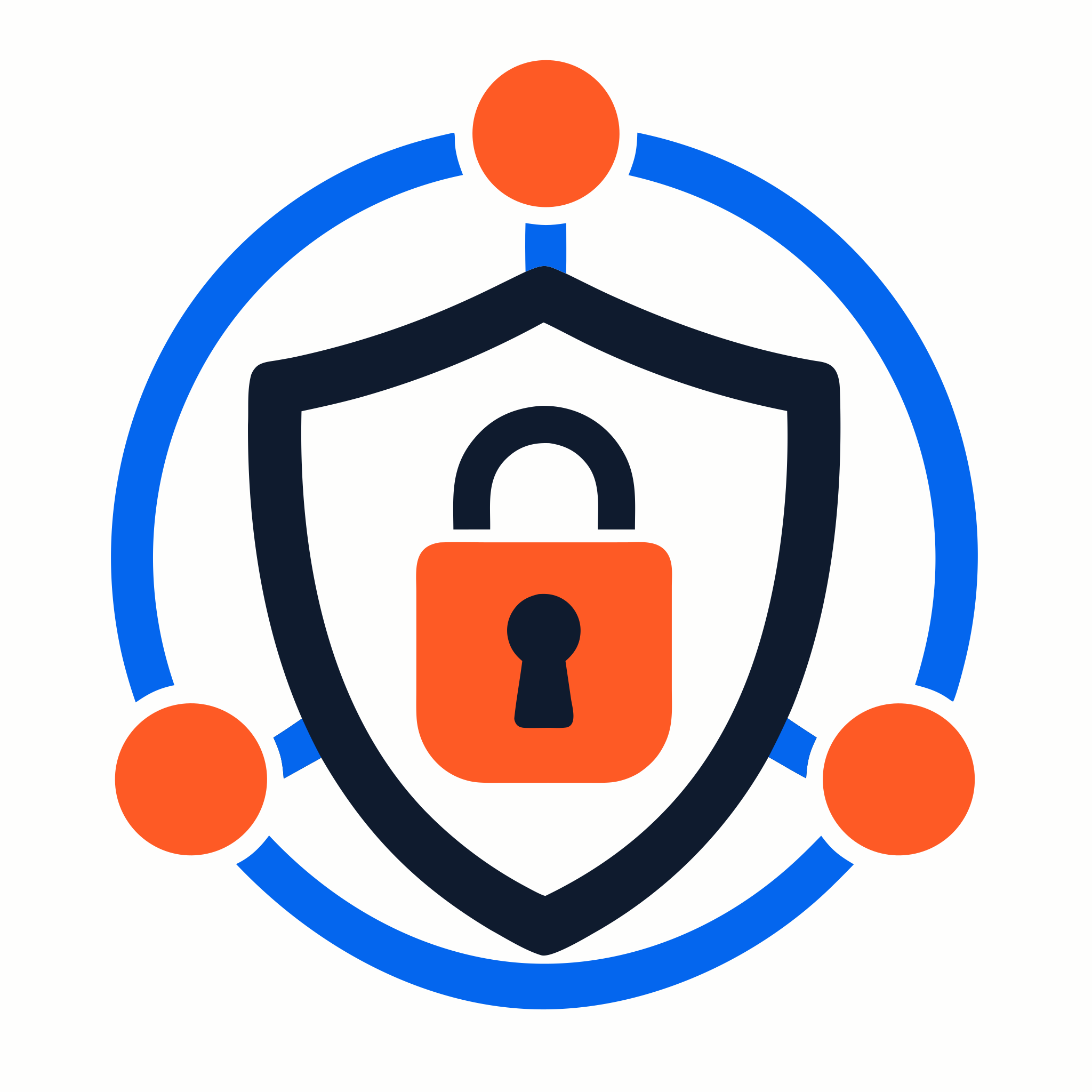
Cloud security logo PNG converted to SVG with transparent background preserved as alpha channel
Logo with transparent background preserved
Launch sticker PNG vectorized to SVG for high-quality print and merchandise production
Launch sticker vectorized for print

Frequently Asked Questions

Is this PNG to SVG converter free?

Yes, completely free — no signup, no watermarks, no limits.

Does PNG to SVG preserve transparent backgrounds?

Yes. If your PNG has a transparent background (alpha channel), the resulting SVG maintains that transparency. Ideal for logos and icons that need to work on any background color.

Can I convert PNG to SVG with color?

Yes. Our AI vectorizer preserves colors accurately — not just black and white tracing. It maps color regions from your PNG into proper SVG fills, producing multi-color vector output that closely matches the original.

What is the best PNG to SVG converter?

Our converter uses advanced vectorization that produces clean vector paths with accurate colors and proper geometry. This is a significant upgrade over basic tracing tools like potrace or ImageTracer, which often produce jagged paths and lose color information.

What's the maximum file size?

Up to 5MB per file, with a maximum resolution of 4096 pixels on the longest side. For best results, use PNG images with clear shapes and good contrast.

Will the converted SVG look exactly like my PNG?

For logos, icons, and illustrations with clear edges, the AI produces a very accurate vector reproduction with clean paths and sharp curves. For photographs with complex gradients, the result is a high-quality stylized vector interpretation — vectorization works by creating distinct color regions from continuous tones.

How to convert PNG to SVG?

Upload your PNG file to the converter above — it vectorizes the image automatically and your SVG is ready to download in seconds. No settings to configure, no software to install.

How do I convert PNG to SVG online for free?

Convert PNG to SVG online for free in three steps: upload your PNG using the drag-and-drop above, wait about 10 seconds while the AI vectorizes it, then download the SVG. There's no signup, no software install, no payment, and no daily limit. The converter runs entirely in your browser via our secure HTTPS pipeline; files are processed and immediately discarded — never stored, never shared.

What is the best PNG to SVG converter for 2026?

The best PNG to SVG converter in 2026 produces clean Bezier paths, preserves multi-color output, and runs free without signup. Our AI converter ticks all three: semantic shape recognition (not threshold tracing), full color fidelity, no watermarks. Compared to potrace-based tools or VectorMagic's auto-trace, our output requires no manual cleanup.

What is the difference between PNG to SVG and PNG to vector?

Both terms describe the same operation — converting a raster PNG into an editable vector graphic — but the output formats differ. "PNG to SVG" specifically targets the SVG file format (web-native, supports CSS animation). "PNG to vector" is the broader category and may output SVG, EPS, AI, or PDF. For web and design uses, SVG is the right choice; for print workflows that need EPS or PDF, try our Image Vectorizer.

How do I change a PNG to SVG?

Upload the PNG to the converter above — drag and drop, or click to browse. The vectorizer processes it in about 10 seconds, then you download the SVG. There's no software to install and no settings to configure. The same workflow handles every common phrasing: change PNG to SVG, transform PNG to SVG, convert PNG to SVG, or PNG-to-vector — all output is W3C-compliant SVG that opens in Adobe Illustrator, Figma, Inkscape, Cricut Design Space, and any browser.