Choose Your Plan
Starter
- 100 credits monthly
- Generate production-ready AI SVGs from text prompts and images
- AI Editor included for prompt-based restyles and variations
- Unlimited downloads & exports
- Commercial usage rights included
- Designs saved for 7 days
- World's #1 AI for production-ready SVGs
- Email support included
Pro
- 350 credits monthly
- Generate production-ready AI SVGs from text prompts and images
- AI Editor included for prompt-based restyles and variations
- Unlimited downloads & exports
- Commercial usage rights included
- Designs saved for 30 days
- World's #1 AI for production-ready SVGs
- Priority support included
What You Can Create
Professional SVGs • Logos, icons, illustrations & more







60,000+ designs generated by our community
Join thousands of designers, developers, and businesses creating professional SVGs instantly
Customer feedback
See what customers say about SVG AI, or tell us how your latest design worked in your project.
What's Included
Create SVGs from text, images, or both, then refine your generated designs with follow-up prompts. Download your chosen version for your project with paid export access.
Text Prompt to SVG
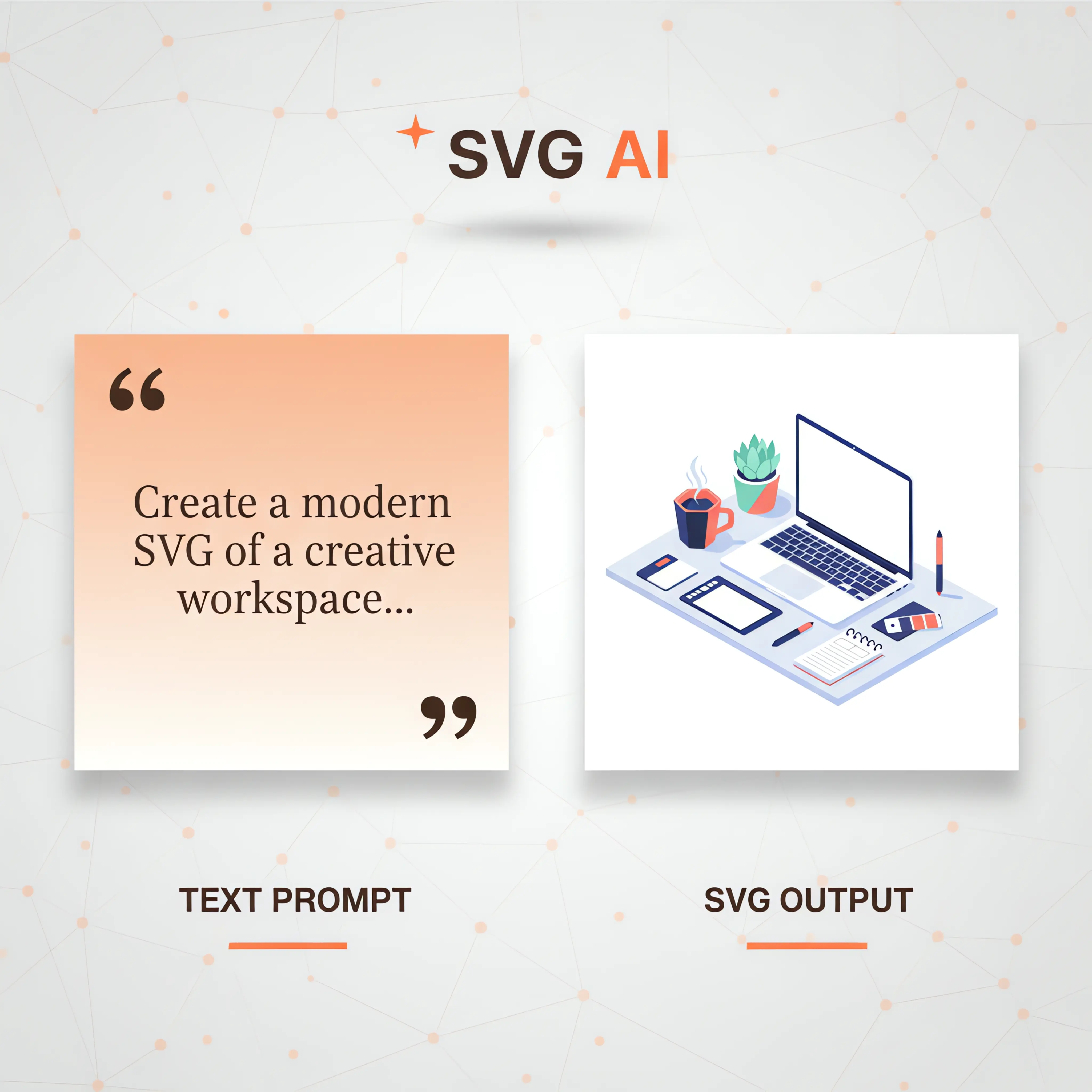
Describe the subject, colors and style you want. SVG AI creates an editable SVG that you can refine and download with paid export access.
Image Upload to AI-Optimized SVG
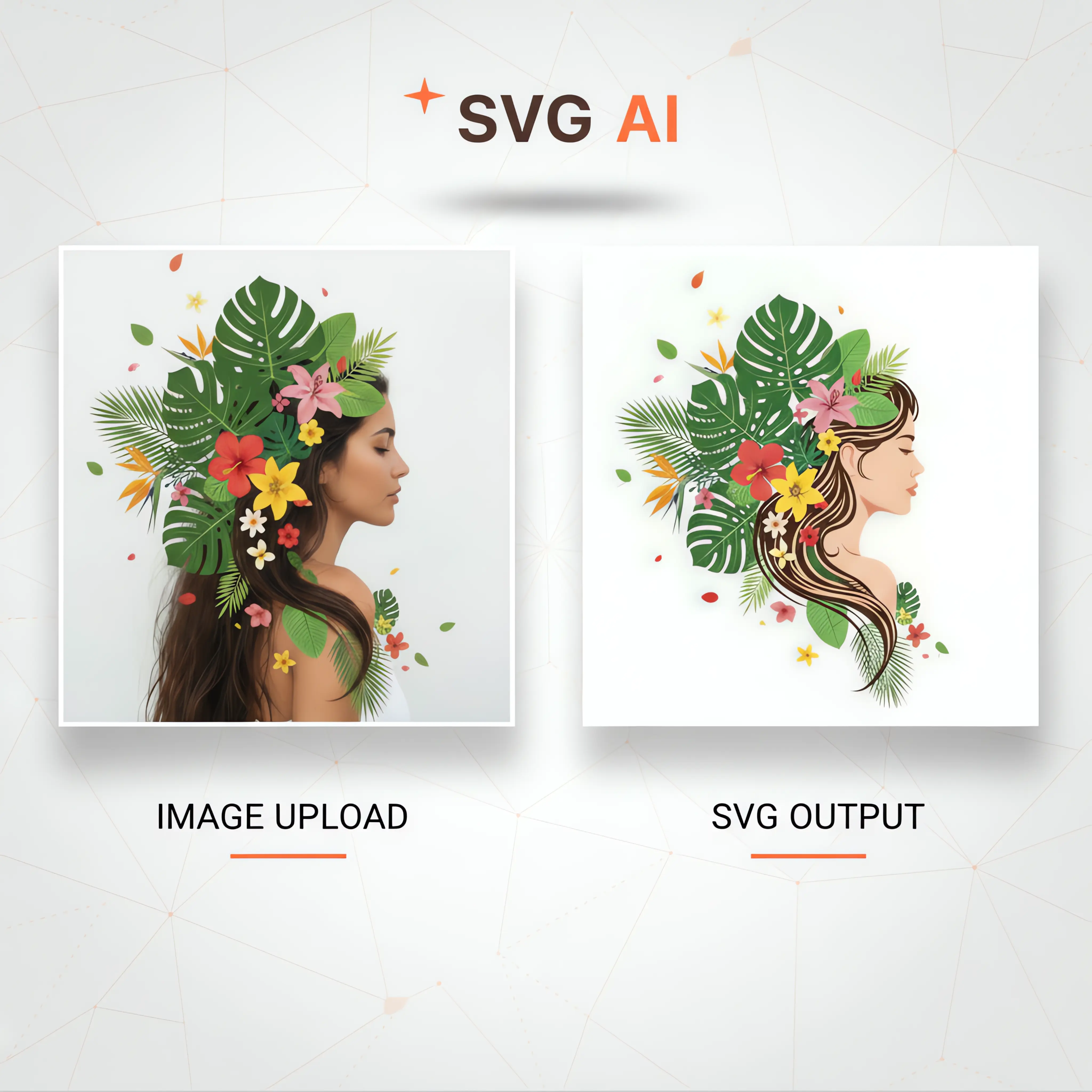
Use a logo, sketch or product photo as a reference for a new SVG. Guide its style and composition, then review the result before using it.
Image Upload + Text Prompt to AI SVG
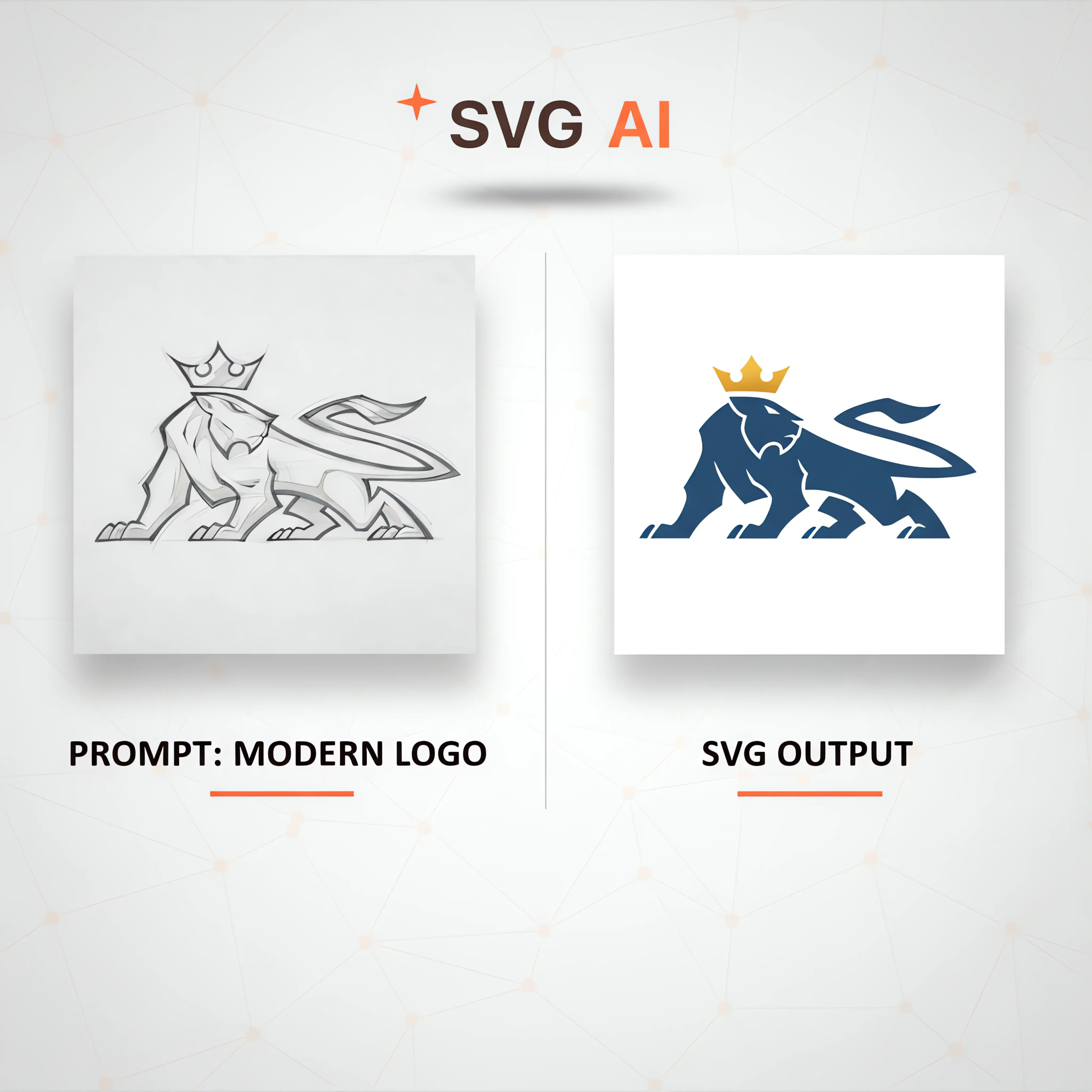
Combine an optional image upload with a short text prompt like 'modern logo' or 'add crown' to guide the AI as it transforms your source into an on-brand SVG illustration.
AI SVG Editor with Text Prompts
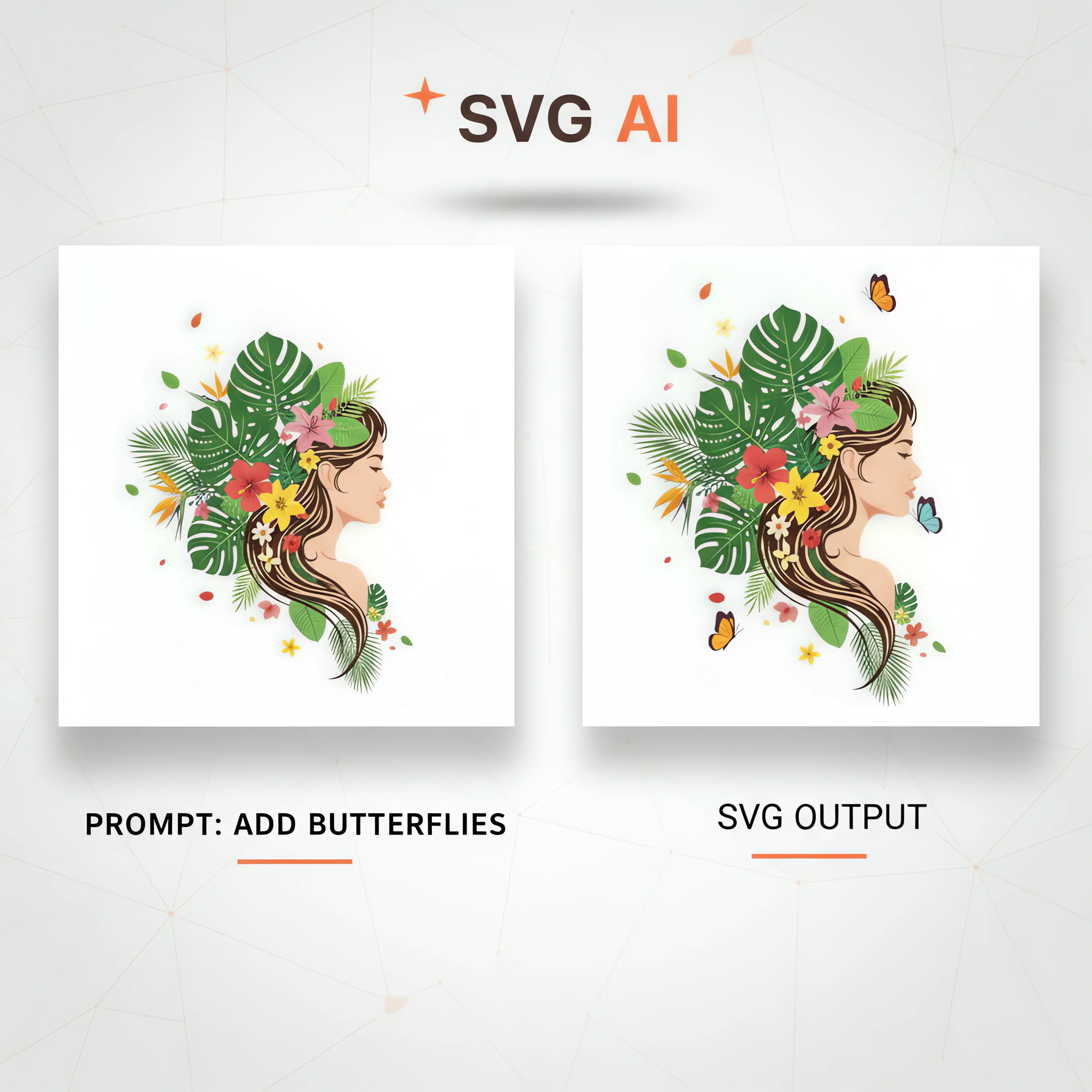
Refine a generated design with prompts such as 'add butterflies,' 'brighten the palette,' or 'thicken outlines.' Compare each new version with the original before choosing your final design.
Why Choose SVG AI?
Create a visual direction, refine the result and download the SVG for your project.
Real Vector Paths
SVG files with editable vector paths. Inspect and refine the result at the size your project needs.
Plain-language prompts
Describe the subject, style and important details, then compare the result with your brief.
Use in Your Workflow
Copy or download the SVG and check it in the website, app or design workflow where you will use it.
Pricing FAQs - Everything You Need to Know
Get answers to common questions about our pricing
How much does SVG AI cost?
The Starter monthly plan is $19 for 100 credits. Pro is $39 per month for 350 credits. Paid plans include SVG export; generation and editing use credits according to the selected operation.
What's the difference between Starter and Pro pricing?
Starter includes 100 monthly credits and Pro includes 350. Compare the plan cards for the included features and choose an allowance that fits the number of variations and edits you expect to make.
Can I cancel anytime?
You can manage or cancel your subscription through your account. Cancellation takes effect at the end of the current billing period.
Do unused AI generation credits roll over?
Monthly subscription credits do not roll over. Purchased credit-pack credits do not expire.
What are credit packs?
Credit packs are one-time purchases of extra credits that never expire. Available in 25 ($8.99) or 50 ($14.99) credit bundles. Perfect for when you need extra generations beyond your monthly limit.
Can I buy credit packs with a subscription?
Yes. One-time credit packs can supplement a subscription when you need additional generation or editing credits.
What payment methods do you accept?
The available payment methods are shown in the secure Stripe checkout.
Is SVG AI pricing worth it compared to competitors?
Compare the complete workflow you need: generation costs, revisions, file format and download access. Try a relevant example and inspect the output before deciding which tool fits your project.