Three Ways to Prompt an SVG House Icon
By Ashesh Dhakal, Founder, SVG AI
ai svg generatorsvg icon generatorsvg prompts
A house icon can take quite different forms depending on the brief. The three downloads below start with the same subject: one leaves the treatment open, one asks for a single navy color, and one describes individual parts of the house.
Use them to decide what to include in your own prompt. The useful question is which details matter for the icon's eventual placement.
Start with the subject and its use
Open the AI SVG generator and describe the asset you need. The shortest brief in this example was:
A simple house icon for a mobile app.
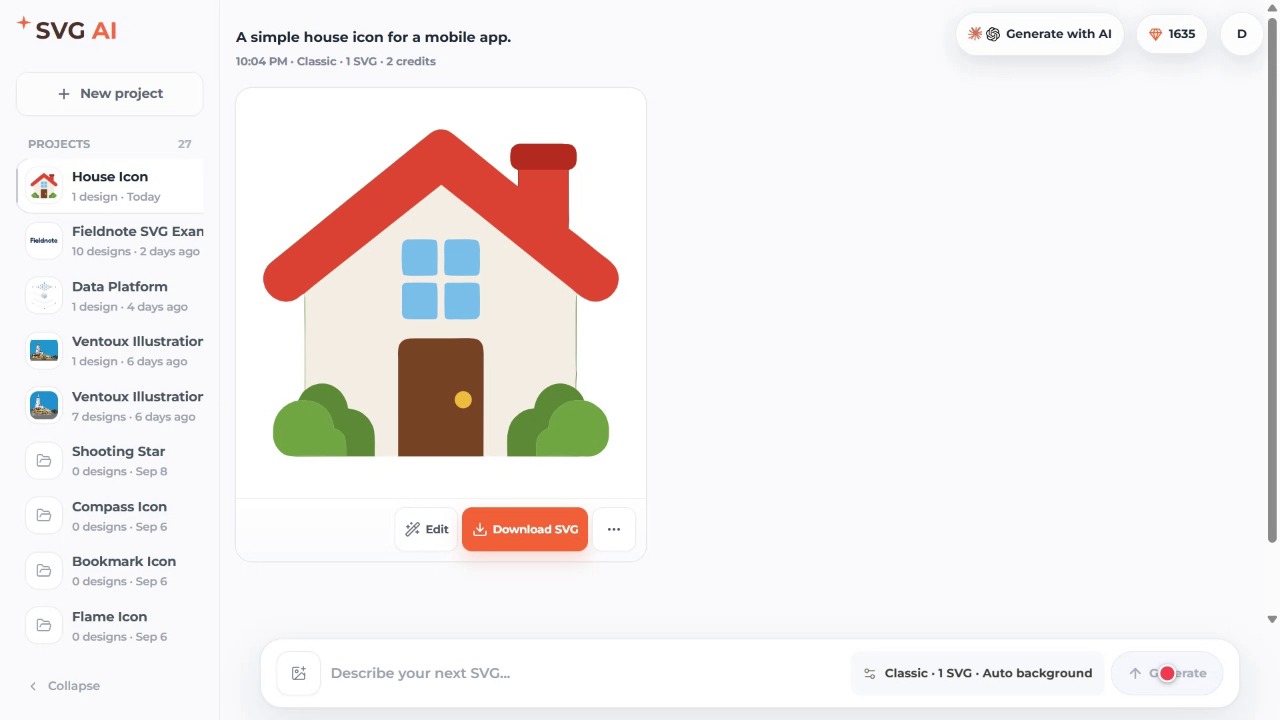
The September 16 session used Classic, one SVG, and the dashboard's Auto background setting. The saved result contains several colors, giving you something to assess before deciding on a more specific treatment.
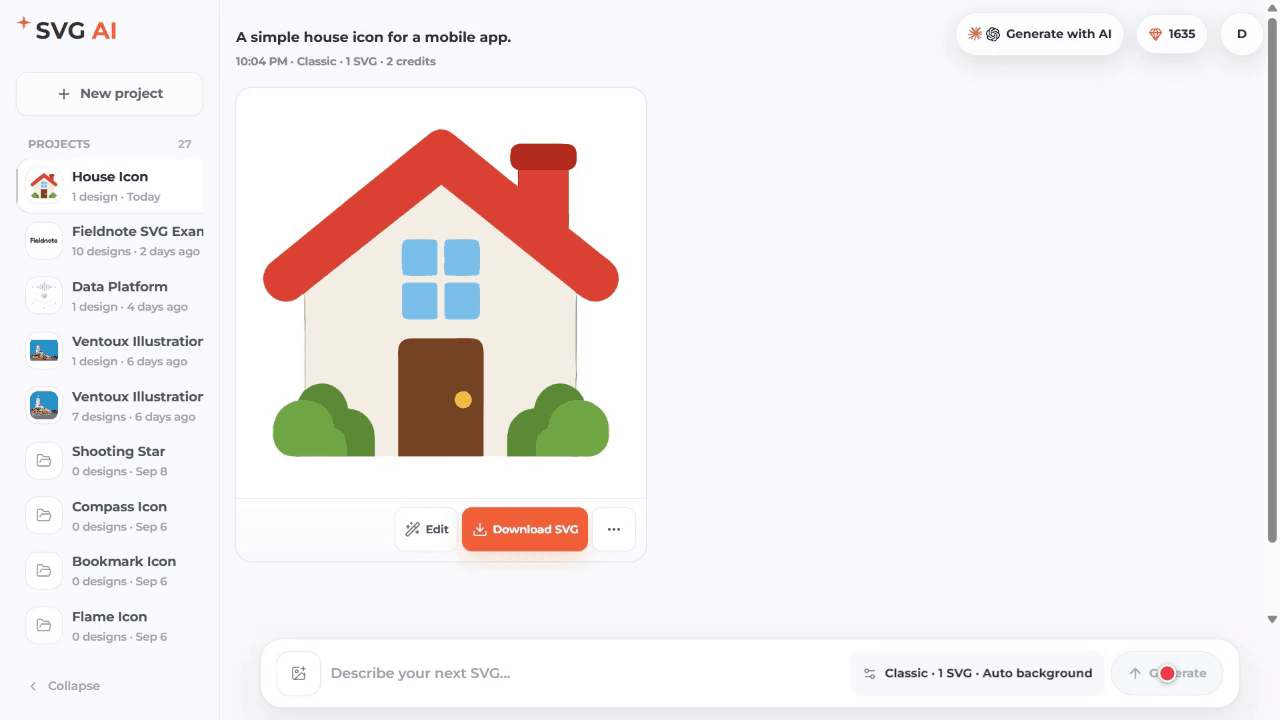
Download the first house icon.
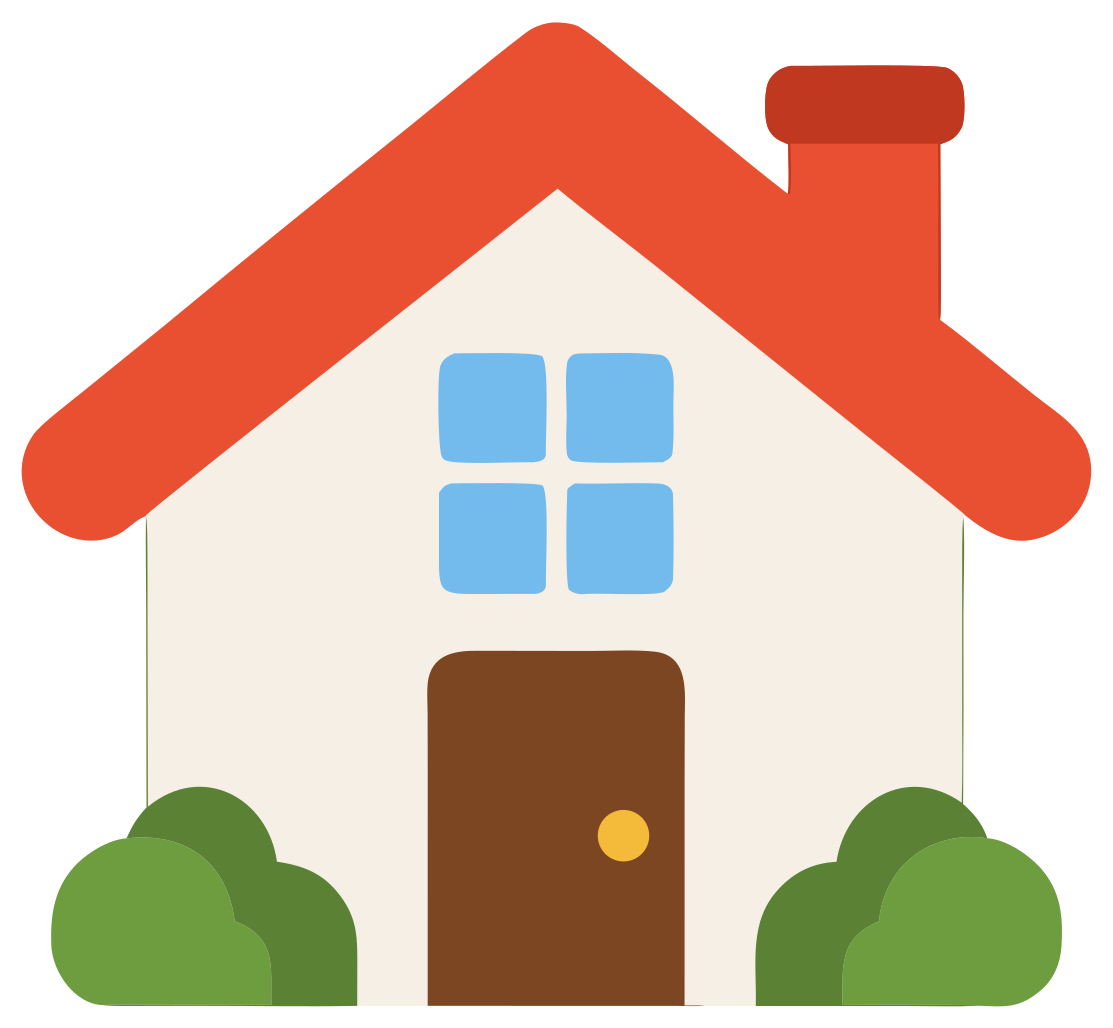
The prompt names the subject and where it will be used. It leaves the palette and drawing treatment open. That can be useful while exploring, but a compact interface icon may need a more specific brief.
Add a palette and composition
The next brief describes a fictional home-inspection app badge and asks for a single navy color:
A simple flat house icon for a fictional home-inspection app badge.
Square composition with generous padding, rounded line ends, dark navy
#18345F only, no lettering, no filled background, no gradients or shadows.
Transparent background.
This saved result uses one fill value, compared with eight in the first file. That is a concrete difference between these two examples; a future generation may behave differently.
Download the single-color house icon.
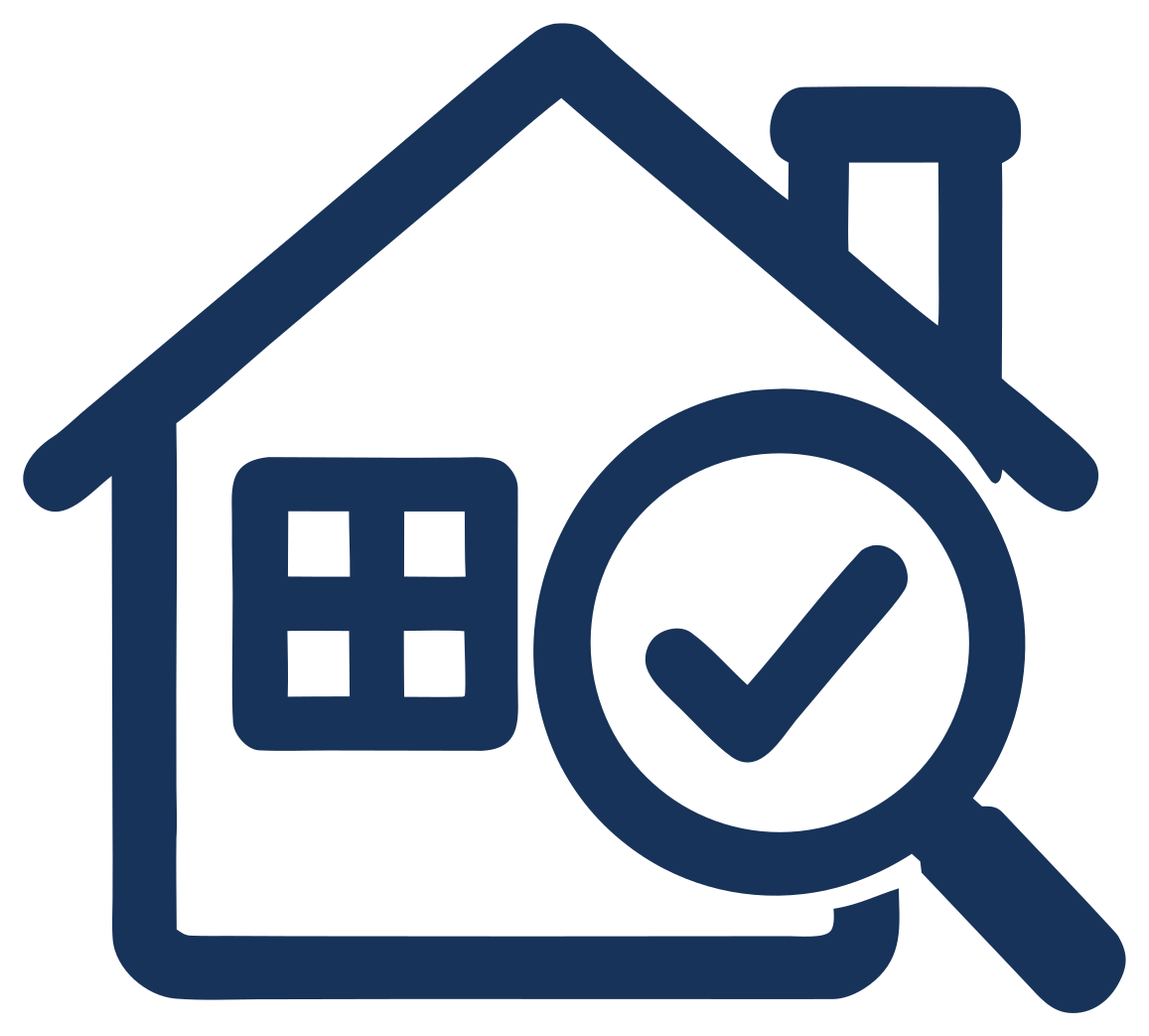
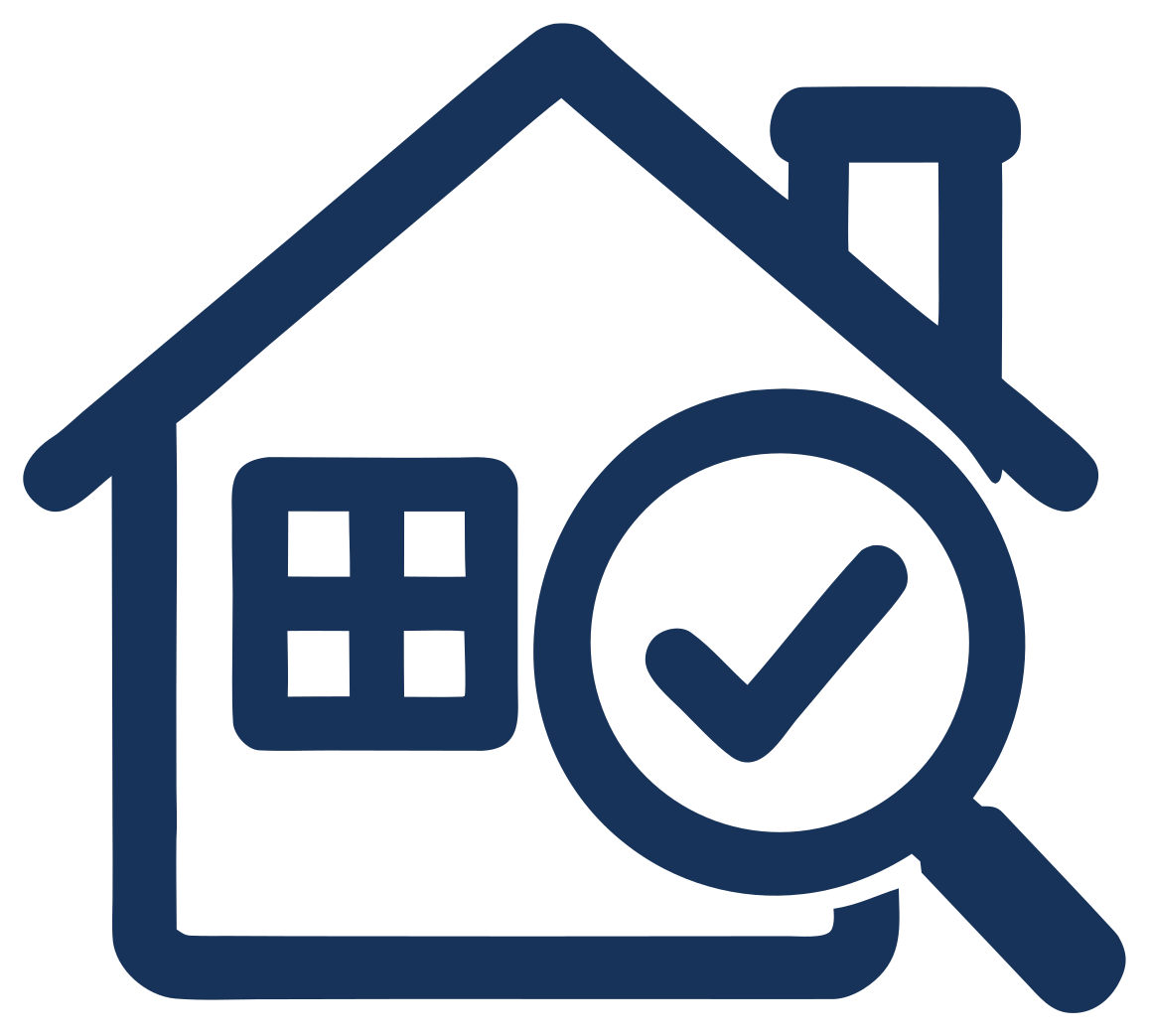
The result also adds a magnifying glass and check mark that the prompt did not name. Decide whether that extra inspection symbol helps the badge before keeping it.
Its fill is rgb(24,51,89), or #183359. The requested #18345F is rgb(24,52,95), so the result is close to the requested navy but is not an exact match. If your interface needs that precise brand color, change the fill in a vector editor or the SVG source and check the result in its actual placement. The SVG editing guide explains precise source changes alongside AI refinement.
Describe the parts that matter
The third brief specifies the roof, door, window and chimney, as well as a navy outline and white interior:
A simple flat house icon for a fictional home-inspection app badge, used at
48px in a mobile list. Square composition with generous padding, rounded line
ends, a single continuous outline, an even roof pitch, a centered door and one
square window. Use only dark navy #18345F for strokes with a white fill for the
house body, no lettering, no text, no filled background, no gradients, no
shadows, no texture, no mockup, no perspective, no isometric angle. Draw the
chimney centered on the right roof slope and keep the overall silhouette
symmetrical. Transparent background.
Download the detailed-brief house icon.
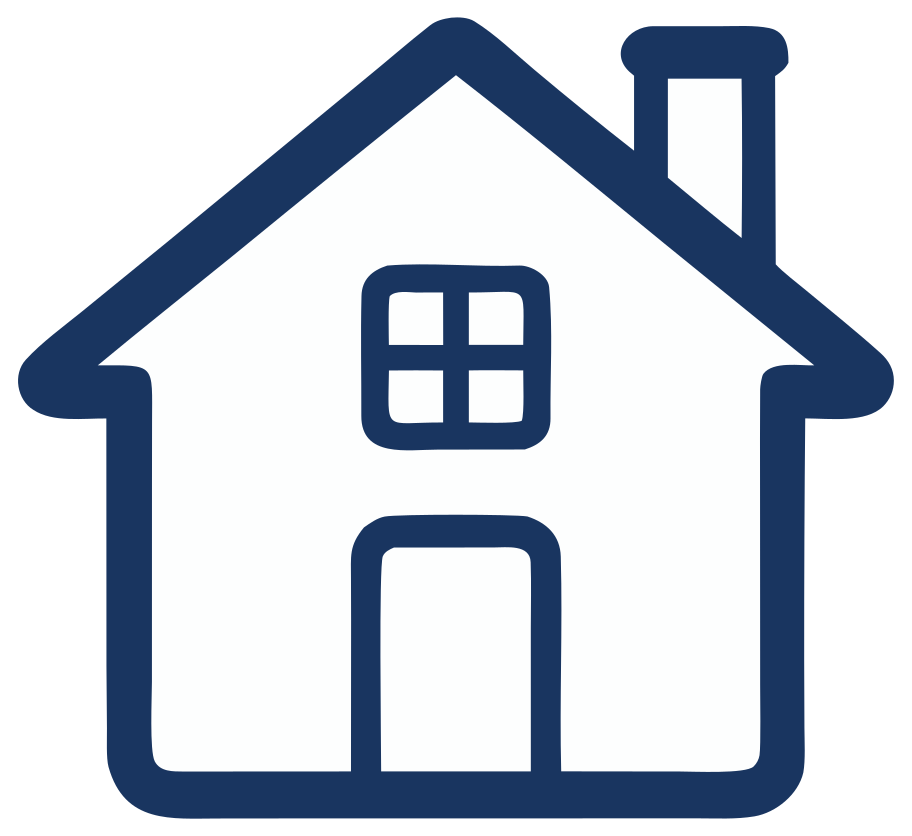
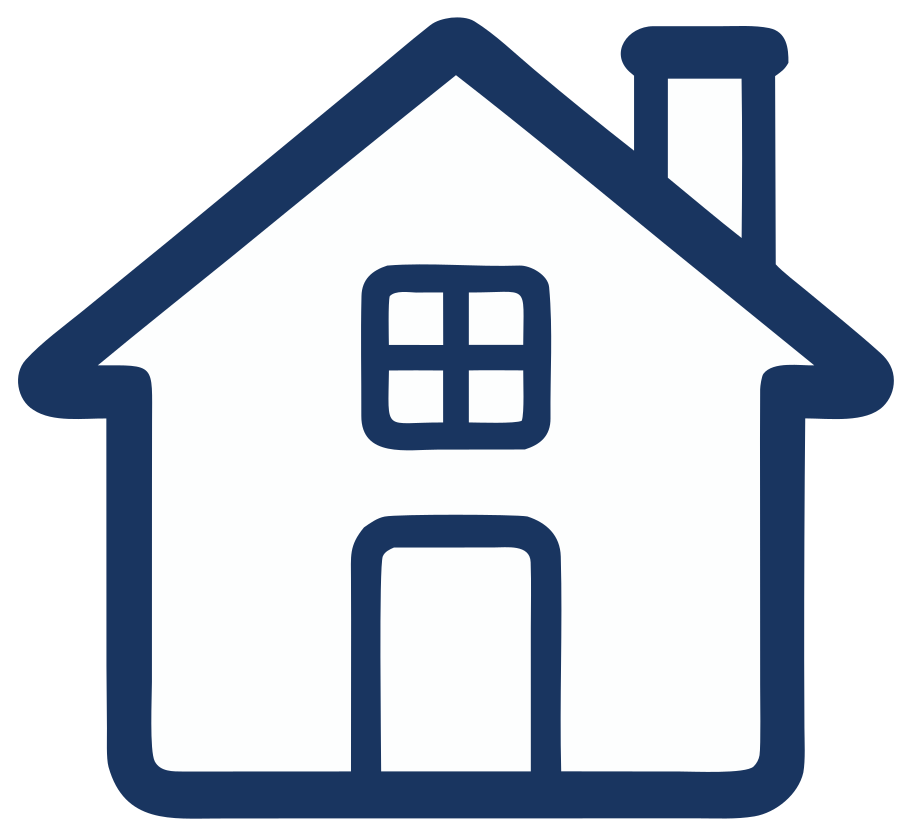
This file has two fill values: rgb(25,53,96) and rgb(253,254,254). Neither is the exact requested navy or pure white. It also has no stroke attribute: the visible forms are filled paths. An outline-like appearance does not necessarily mean the SVG is built with editable strokes.
Name a part when its presence or placement matters to your design. This longer brief also mixes a right-side chimney with a symmetrical silhouette, which may pull the composition in different directions. For your own icon, decide which requirement matters more before generating.
Compare the downloaded examples
These measurements come from the three linked files, including their final newline. Prompt words are counted by splitting the displayed text at spaces and line breaks. A path count describes the file's structure; it is not a score for visual quality or detail.
| Saved example | Prompt words | Download size | Paths | Distinct fill values |
|---|---|---|---|---|
| Subject and use | 8 | 9,935 bytes | 13 | 8 |
| Palette and composition | 34 | 6,074 bytes | 4 | 1 |
| Named house parts | 93 | 4,614 bytes | 9 | 2 |
The prompts change their instructions as well as their length. These examples therefore do not isolate an effect of word count or establish an ideal prompt length.
Place the icons at the size you need, on the background where they will appear. Choose the version whose silhouette and spacing suit that placement, then make any precise color changes it requires. For a repeatable way to inspect a download, see the five SVG file checks.
Write the next prompt around your design
Start with the subject and placement. Add the palette, visible parts or spacing requirements you can explain from that use. Then compare the actual result with those requirements before deciding whether another generation, an AI edit or a precise source change is the useful next step.
For an existing design that needs a specific revision, the prompt-refinement guide shows real follow-up edits.
These examples come from the September 16 dashboard session. AI assistance was used to prepare the comparison from the retained files.
Correction, September 26, 2026: an earlier version incorrectly described rgb(24,51,89) as an exact match for #18345F and said all six session exports were downloadable. This article now compares the three available original downloads and makes no repeatability claim.