SVG Prompt Refinement: Real Edits, File Checks and Manual Fixes
By SVGAI Team
svg creator promptsai svg generatorai svg prompt guidebetter ai svg resultsprompt engineering designsvg generator
Diagnose one visible failure before rewriting a whole prompt. A useful correction states what must change, what must remain fixed, and how you will judge the next SVG at its intended size. Use the AI SVG Generator to test the revised brief, then keep both the accepted and rejected results.
This guide focuses on troubleshooting. For a first successful project, use AI-assisted SVG creation; for choosing your next project stage, use the AI SVG Generator complete guide.
September examples: a color miss, a gradient correction and less detail
These three examples were completed in the dashboard on September 14, 2026. Each AI edit used Classic at a displayed cost of two credits. They answer different editing questions; they are not a controlled estimate of how often a prompt succeeds.
An exact-color request still needs a source check
The Fieldnote bookmark edit asked: “Change only the orange compass needle to teal #0F766E. Keep the navy bookmark, circular center, geometry, framing and size exactly unchanged. Keep the transparent background.”
The downloaded AI result contains teal #118B81, not #0F766E. It also changes the navy, path data and viewBox. The prompt did not enforce exact source values or preserve every unrequested detail.

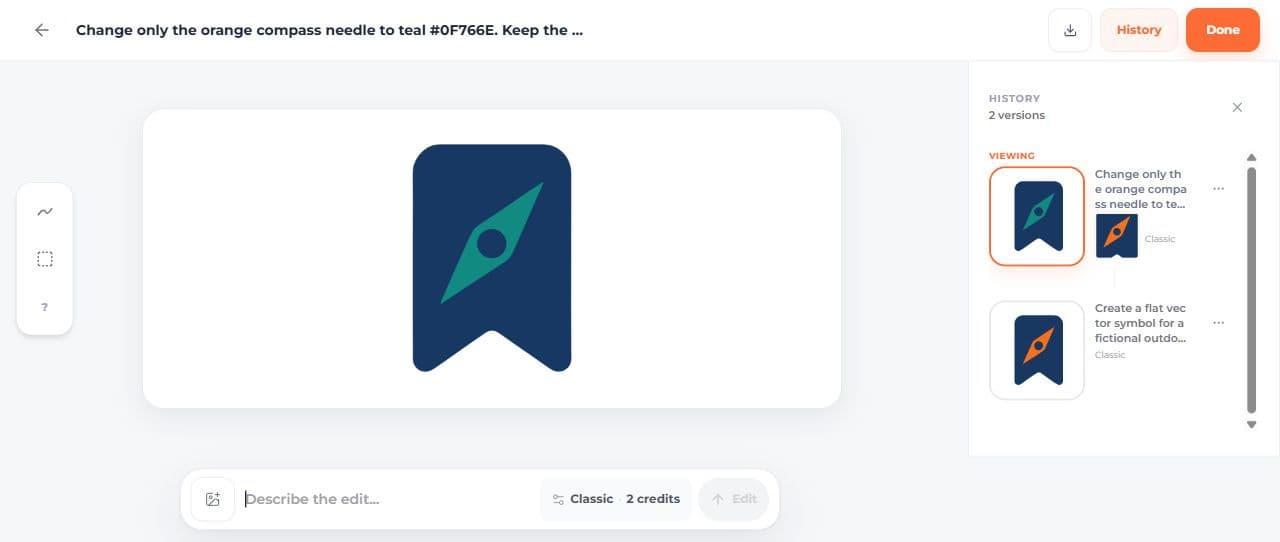
The manual exact-color finish replaces the AI revision's two fills with navy #18345F and teal #0F766E, leaving its geometry and framing unchanged. If preserving the original curves matters, start from the original download instead. The five file checks include that alternative manual version.


Remove an unexpected gradient
The original parcel icon includes a gradient even though its generation prompt excluded gradients and shadows. The follow-up request was: “Remove the shading and gradient from the parcel icon. Use a single flat dark navy fill throughout. Keep the parcel shape, framing and transparent background.”

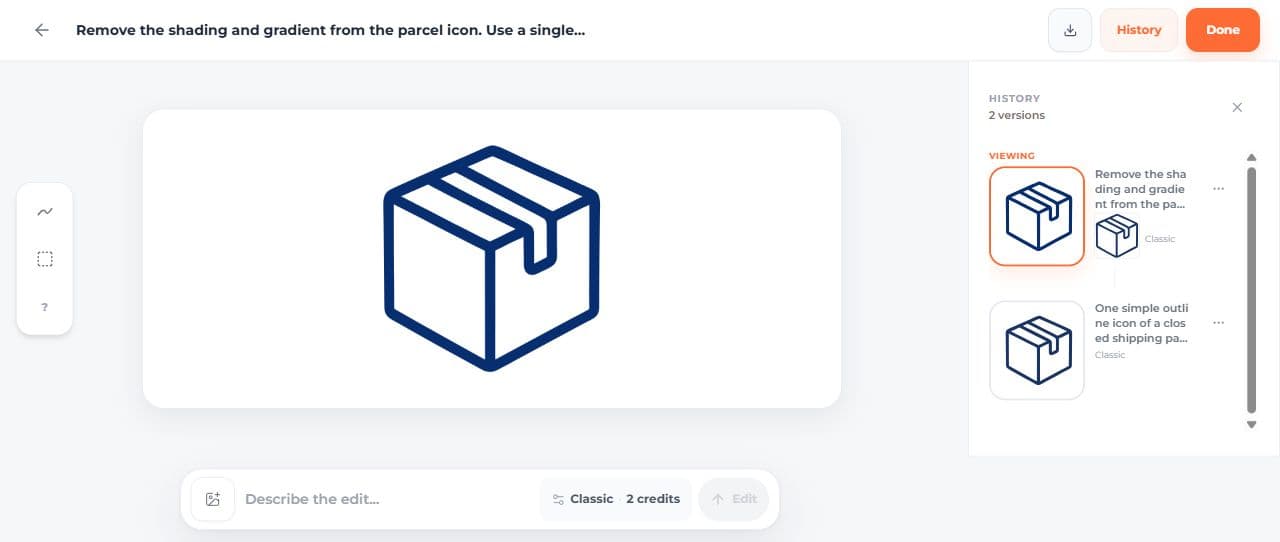
The refined download has one path with one flat fill, rgb(7,46,111). The gradient is gone. Its paths and viewBox differ from the source, so inspect the whole icon before substituting it into a layout. If the existing path geometry must stay exact, the manually recolored parcel provides a separate approach.


Finish a single-color requirement manually
The notebook generation prompt required ?dark navy #18345F only,? but its original SVG contains six fill values. The manual color-only correction changes those fill attributes to #18345F, preserving the original path data, viewBox and aspect-ratio setting. This is an exact source correction, not a successful AI edit.


Together, the Fieldnote recolor, parcel gradient and notebook palette show three actual missed constraints with inspectable finishes. Two finishes are manual; the parcel finish is an AI revision that also changes its geometry. Keep that distinction when deciding which approach suits your own file.
Specify a detail count after reviewing the first result
The notebook original has six horizontal ruling lines per page. Its original prompt asked for a simple icon but did not specify a line count. The next prompt makes that requirement explicit.
The edit asked: “Reduce the horizontal ruling lines from six to exactly two on each notebook page. Keep the notebook outline, binding, navy color and transparent background.”
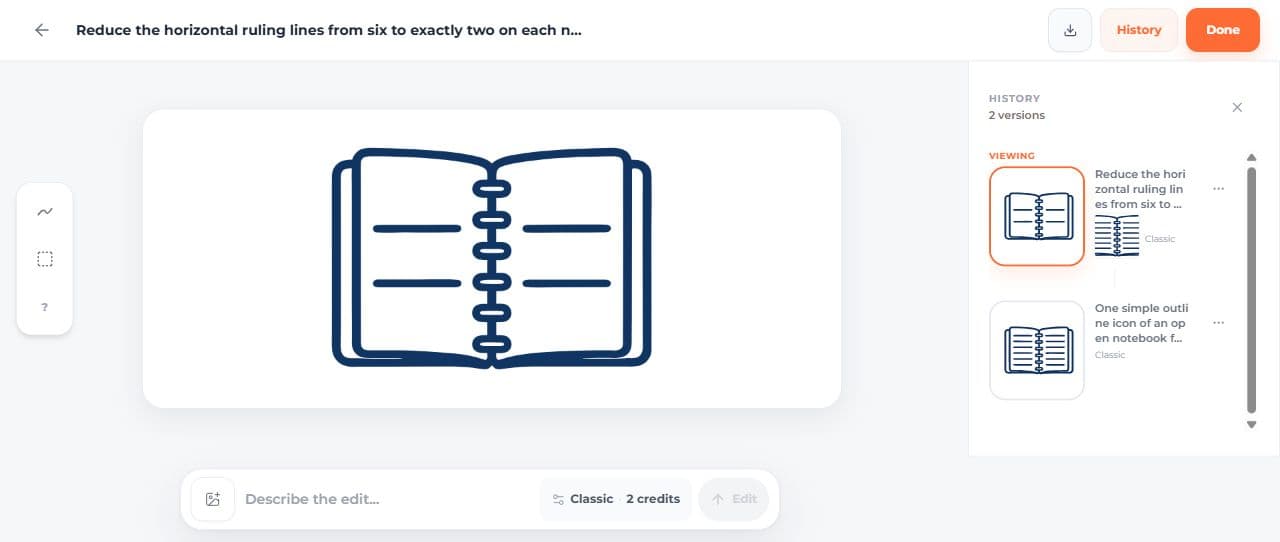
The new file visibly has two lines on each page. Its structure changes from 21 paths to five, with different path data, framing and a single navy fill. That completes the requested detail reduction, while still requiring review of the other changes.

The file measurements record bytes, hashes, fills and viewBoxes. The ecommerce example shows the original notebook, leaf and parcel together in a product layout. Keep these examples separate from the earlier envelope comparisons below: they use different subjects and were run on different dates.
Three prompt changes, six SVG results
We generated these six envelope icons in SVG AI using Classic, one SVG per request and no reference image. Each pair changes one instruction: outline weight, color or background. The results show both the requested changes and details that shifted along with them.
Download the six generated SVGs to follow along. The package includes the exact prompts, screenshots and a comparison page at 24, 48 and 128px. These six files contain the unmodified generated artwork; a separate manual color correction is linked below.
Example 1: request a stronger outline
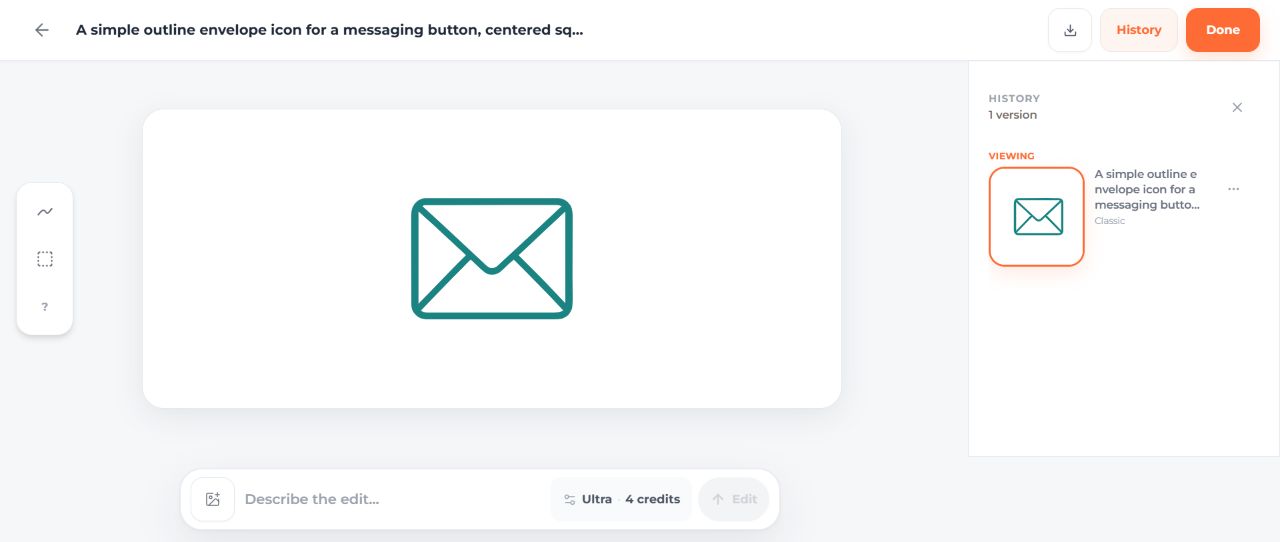
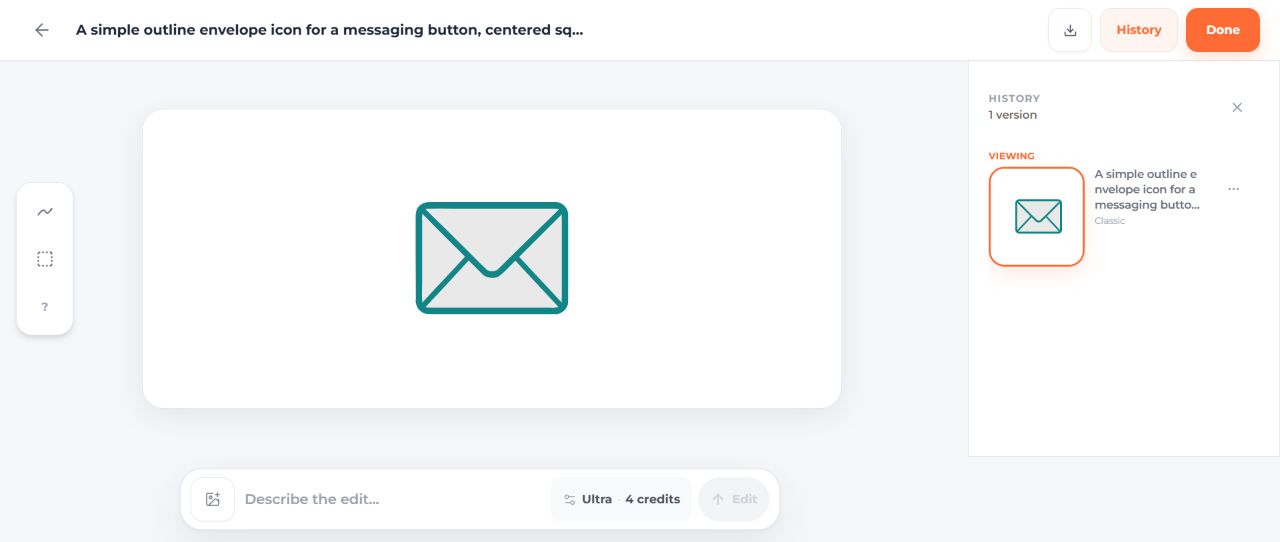
Base prompt: "A simple outline envelope icon for a messaging button, centered square composition, teal outline, no text, transparent background."
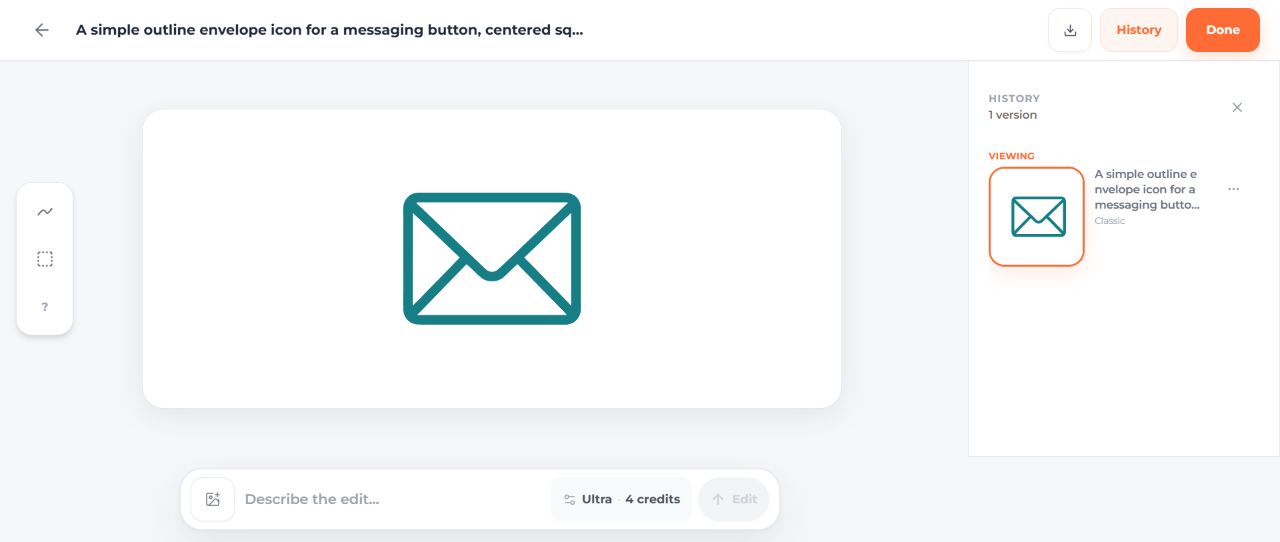
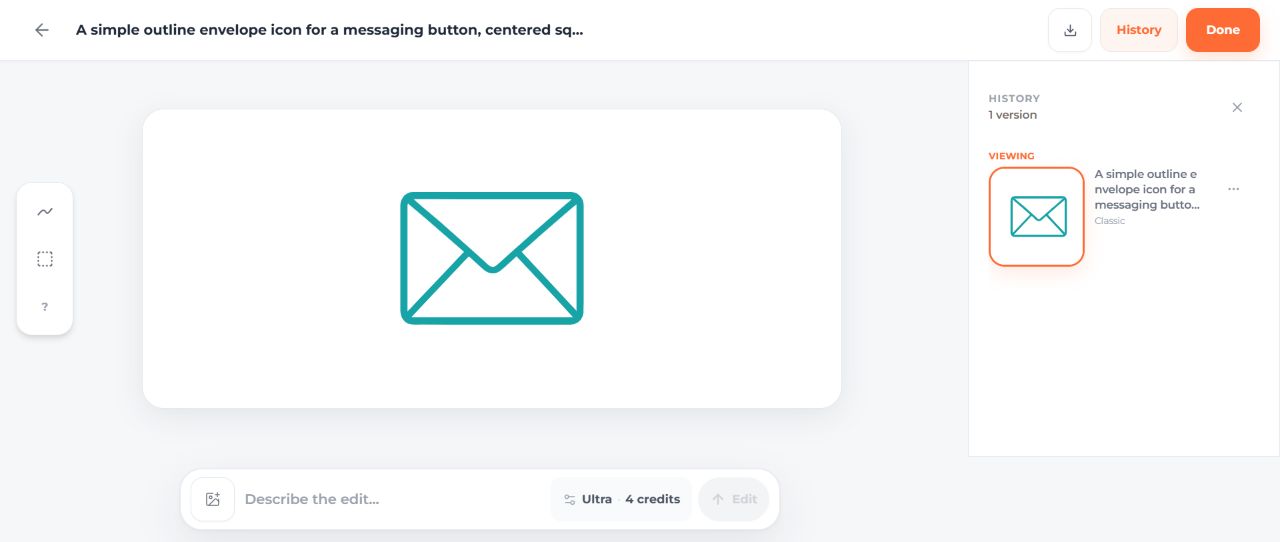
Only addition: "Use a bold outline that remains clearly visible at 24 pixels."
The base SVG has a usable outline. Adding the weight instruction produces a heavier version, with the difference easiest to see at 48 and 128px. The new result also has different geometry and two teal shades. Choose it if the stronger outline suits your interface, or adjust the original file manually if you want to keep its shape.


Compare the first result in the editor with the stronger-outline result. Both remain recognizable on white at 24px. Check that size in your own button or toolbar before choosing between them.
Example 2: ask for an exact color and inspect the file
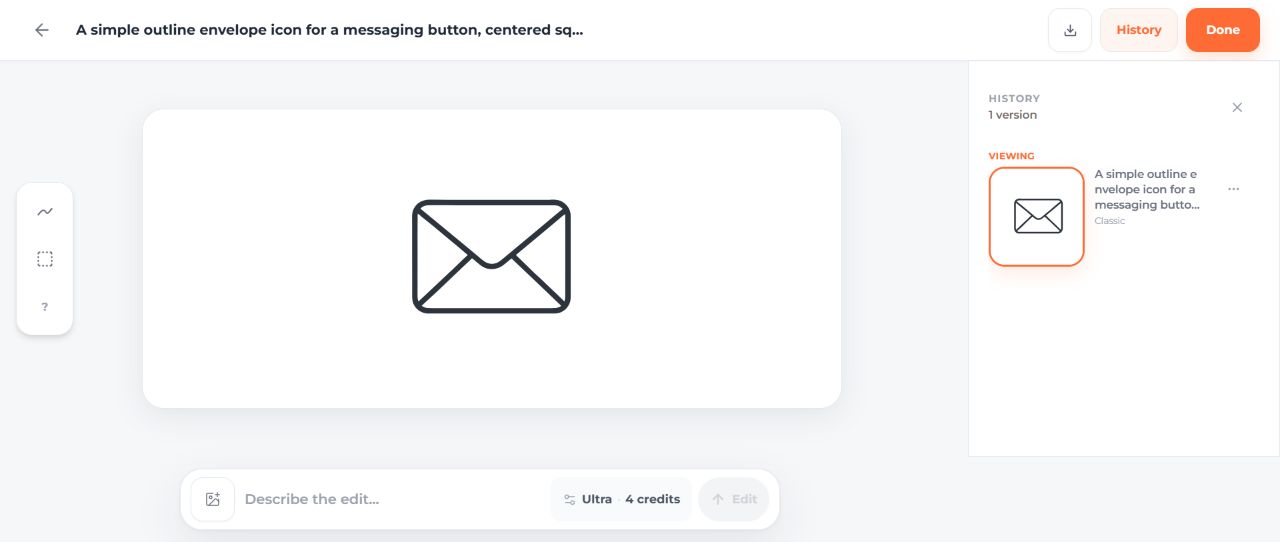
Base prompt: "A simple outline envelope icon for a messaging button, centered square composition, one outline color, no text, transparent background."
Only addition: "Use exactly teal #0f766e as the only outline color."
The base SVG uses dark rgb(46,52,61). The revised SVG looks teal, but its fill is rgb(11,121,111), or #0b796f. It misses the requested #0f766e, which is rgb(15,118,110). For an exact brand-color match, this version still needs a source edit. Its shape also differs from the first result.


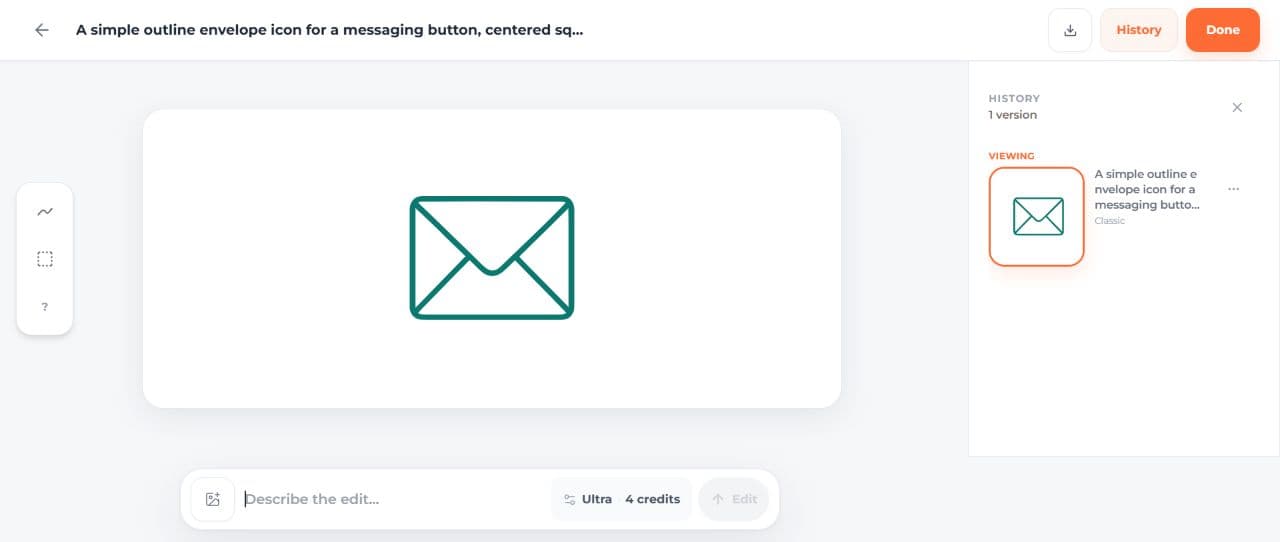
You can see the original dark version here. To finish the teal version, replace rgb(11,121,111) with rgb(15,118,110) in its SVG code. The manually corrected download applies only that replacement and keeps the generated geometry unchanged.

Example 3: switch from a gray fill to transparency
Base prompt: "A simple outline envelope icon for a messaging button, centered square composition, teal outline, no text, with a pale gray background."
Only replacement: replace "with a pale gray background" with "with a transparent background and no background shape."
The base SVG includes four pale-gray paths inside the envelope, following the first prompt's background request. The revised SVG has one teal path and no gray fill. Place it on a dark surface and the background shows through the envelope's interior. Its palette and geometry also changed, so compare those details before replacing the original in a design.


Compare the gray-filled result and the transparent result. Choose the background treatment that fits the surface where the icon will appear.
Compare size, contrast and transparency
The download's comparison page shows all six files at 24, 48 and 128 CSS pixels on white and dark backgrounds. Notice how the dark outline loses contrast on the dark surface, while the gray-filled version keeps an opaque envelope interior. The revised transparent file lets the page background show through.
When trying your own prompts, keep the model and settings the same so the wording is easier to compare. Sign up to get starter credits. The composer shows the credit cost before generation; SVG downloads require paid access through an eligible subscription or credit purchase.
Three precise SVG fixes you can make by hand
The following hand-coded examples isolate three common problems. Each pair changes one SVG attribute or element, making it easy to see what a precise correction looks like. The suggested prompt additions can help you describe the same goal when generating your own icon.
The comparison panels scale with your screen. Download the SVGs and display them at your intended CSS size to judge the line weight and spacing. The message-icon archive also includes a size-comparison page for the manual color edit.
Use this fixed base brief: “An outline envelope icon for a messaging button. Square composition, rounded corners, no lettering.” Each pair adds only the stated constraint. Keep your model, reference, aspect ratio and other settings unchanged when trying a pair in the product.
Pair 1: a stroke that disappears at the target size
Failure: the envelope uses a 0.5-unit stroke in a 24-unit viewBox. The detail view exaggerates how substantial that line looks.
Single prompt addition: “Use a consistent medium outline that remains readable at 24 pixels.” This describes appearance. If you require exactly stroke-width="1.8", inspect the output and make that code change manually when necessary.
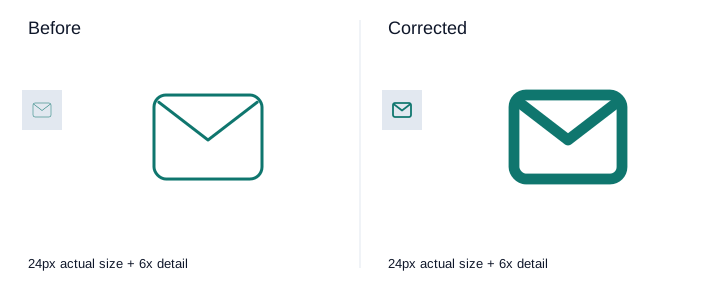
Download the thin-stroke SVG and thicker-outline SVG. The stroke width changes from 0.5 to 1.8 units, while the envelope proportions stay the same.


Pair 2: the requested palette is missing
Failure: the coral stroke does not meet a teal brand-color requirement.
Single prompt addition: “Use only teal #0f766e for the outline.” Keep the subject and geometry instructions fixed. Inspect the actual SVG paint values as well as the preview; a generated approximation may still need manual color replacement.
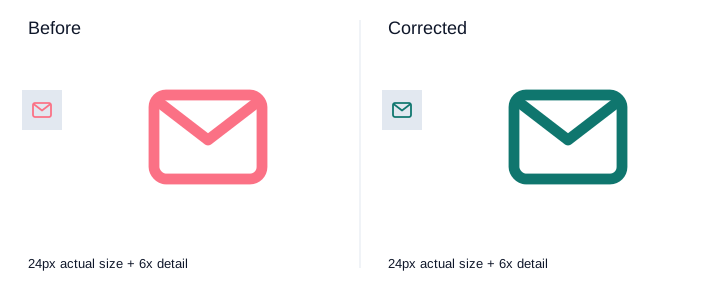
Download the coral source and teal correction. Only the stroke color changes; the thickness and spacing stay the same.


Pair 3: an unwanted background remains
Failure: an opaque pale rectangle appears behind the envelope.
Single prompt addition: “Transparent background, with no background rectangle.” Place the saved SVG on a colored surface to reveal any opaque white or pale background shapes.
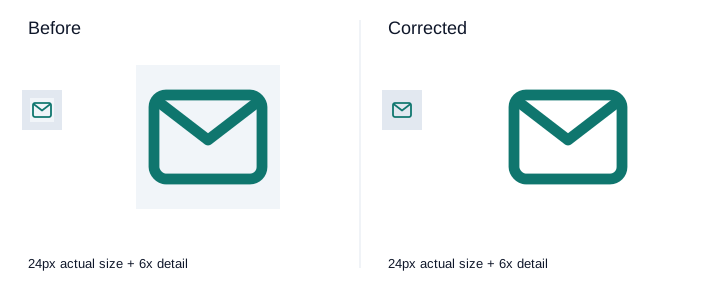
Download the SVG with a background and transparent version. The correction removes one background rectangle and keeps the foreground color and geometry. If an SVG embeds a raster image, its background pixels need to be removed from that image separately.


Keep a useful prompt history
Save the original and revised prompts beside their output files. Include the model, settings and reference image so you can revisit a useful result. A short note such as “better color, but the flap is too narrow” is more useful than simply marking a result good or bad.
| Check | What to compare |
|---|---|
| Size | Is the envelope recognizable at 24px? |
| Requested change | Did the outline, color or background improve? |
| Shape | Did any useful detail change or disappear? |
| SVG code | Are the paint values and background elements correct? |
| Placement | Does the saved file work in the intended button or layout? |
If color improves but the outline gets worse, keep both files. You may be able to apply the better palette directly to the original geometry.
Understanding AI Prompt Fundamentals
How AI Interprets Your Prompts
Write the prompt as a clear design brief. “Modern logo” leaves the subject, style and use open. “Outline envelope for a 24px messaging button” names an object and a size you can check. Add details that affect how the icon will be used, then inspect how the result follows them.
The Anatomy of Effective Prompts
Use this reusable structure: subject; intended use and size; visual style; palette; composition; one exclusion. Separate requirements from preferences so you know which failures matter. For example: “Outline envelope for a messaging button, rounded corners, centered, teal, no lettering.”
Advanced Prompting Techniques
Technique 1: Iterative Refinement
Keep the first file, name one problem, and revise one instruction. Compare both at the same display size. Use the SVG Generator to explore a new version, or open the existing result's Edit action when you want to refine that design.
Technique 2: Constraint-Driven Generation
Prioritize subject and use first, then geometry, palette and excluded elements. A requirement such as “exactly three shapes” needs a structural check: a preview cannot prove the number of paths, groups or embedded images.
Technique 3: Reference-Based Prompting
Use an owned or permissioned reference and record its exact file. Say which aspect should carry over: silhouette, palette or composition. Changing both reference and wording makes it difficult to attribute an improvement to either.
Technique 4: Negative Prompting
Pair an exclusion with a positive direction: “one flat outline, no shadow” is easier to evaluate than “do not make it wrong.” Long contradictory exclusion lists make the brief harder to diagnose. A natural-language exclusion is a request, not a hard rendering constraint.
Industry-Specific Prompt Strategies
Technology/SaaS Prompts
Name the UI job and target size. “A connected-device status icon, readable at 24px, no words” is more specific than “innovative tech.” Check that the symbol communicates the correct status in its intended interface.
Creative/Agency Prompts
Translate a mood into a concrete treatment: irregular contour, flat color, or asymmetrical spacing. Retain the intended subject while changing one treatment. Do not assume a named artist or brand reference gives permission to reuse an existing work.
Professional Services Prompts
Name the service and the visual treatment you want: a balanced geometric mark for an accounting practice, for example, or a simple document symbol for a legal dashboard. Ask someone familiar with the service whether the symbol communicates the right idea.
Consumer/Retail Prompts
State the use: a product label, storefront mark or shopping control. Lettering and small print are separate requirements; if exact words matter, verify every character and consider adding licensed typography in a vector editor.
Prompt Libraries for Efficiency
Building Your Prompt Collection
Keep the brief, model and settings, original file, changed instruction, revised file and a short decision note together. Include useful misses: they can remind you which details to change next time.
task: messaging envelope
target: 24 CSS pixels
base prompt: [full text]
changed constraint: [one sentence]
model/settings: [observed values]
source file: [original filename]
candidate file: [new filename]
decision: pass / mixed / reject
reason: [specific observation]
Pre-Built Prompt Templates
Treat templates as editable briefs. Replace the subject, intended size and palette, then remove constraints that do not apply. Save the version that works with its generated file so you can reuse it later.
Troubleshooting Common Prompt Issues
Issue 1: Generic/Uninspired Results
Add one meaningful distinguishing feature tied to the task. Keep the format and palette fixed. If the added feature damages recognizability, reject it and return to the preserved source.
Issue 2: Overly Complex Results
Remove a secondary motif or request a simpler silhouette. Judge the file at the actual display size. Fewer visible details do not necessarily mean fewer SVG nodes, so inspect structure separately.
Issue 3: Wrong Style Application
Replace ambiguous style words with a visible requirement, such as rounded outline with no fill. Keep the subject unchanged. Do not change palette, viewpoint and stroke treatment in the same diagnostic attempt.
Issue 4: Inappropriate Symbolism
State the intended object directly and exclude the incorrect symbol once. Review cultural and contextual meaning with the people who will use the image; an automated geometry check cannot settle it.
Issue 5: Color Problems
Request the intended palette, then inspect fills, strokes, gradients and embedded images. For an exact brand color, replace the paint value directly as shown in the teal-envelope example. Check every visible color, including inherited group styles and gradient stops.
Advanced Prompt Engineering Patterns
Pattern 1: Progressive Disclosure
Start with subject and composition. Introduce detail after the basic result passes. Save each stage so you can identify the point where a new instruction caused a regression.
Pattern 2: Combination Synthesis
Combine two concepts only when the final task needs both. First decide which is primary; otherwise a result can contain both motifs while communicating neither clearly.
Pattern 3: Constraint Relaxation
If a brief repeatedly misses the mark, remove one lower-priority constraint and keep the rest fixed. For example, allow a simpler leaf shape while keeping the brand palette. Decide whether the improvement is worth that tradeoff before adopting the result.
Pattern 4: Style Transfer
Describe the treatment you need and use a reference you have permission to use. Compare the new style with the source subject: has the line weight improved while the symbol stays recognizable? Inspect typography and path geometry separately when they need to remain precise.
Measuring Prompt Effectiveness
Success Metrics
For a recurring task, track how many outputs you use, what cleanup they need and which problems recur. Compare prompts against the same brief. A prompt that produces a usable silhouette but needs a color replacement may still be a helpful starting point for your workflow.
A/B Testing Your Prompts
Keep the model, settings, reference image and intended size fixed, and change one instruction. Compare every result against the same brief. Since generation varies between runs, treat a single pair as a useful example rather than a reliable prediction. Try another pair when the remaining question is worth the additional credits.
The Future of Prompt Engineering
Emerging Prompt Techniques
When trying a different model or reference setting, start with a familiar prompt so you can compare the result. Check which details it preserves well and which need more specific instructions or manual cleanup.
Building Long-Term Skills
Practice visual diagnosis, SVG inspection and clear briefs. These help you decide whether another Text to SVG AI attempt, a manual edit or a different input method is the next useful step. The AI + Human Creativity guide discusses that division of work.
Getting started with a small prompt practice
Choose one icon you need and a few variations that answer specific questions. Start with its shape, then refine the detail that matters most. You can build a useful prompt library gradually as new projects arise.
Week 1: Foundation
Choose one subject and size. Write acceptance criteria before the first attempt. Save the original output and inspect its most consequential failure.
Week 2-4: Refinement
Revisit your log when you have a real use for a variation. Group recurring issues by geometry, style, palette and structure. Reuse a proven manual correction when another generation would add little information.
Conclusion: Prompt Engineering as Creative Skill
A useful prompt revision solves a visible problem. Try it with the AI SVG Creator, compare the result at its intended size, and save the version that best fits your design. Use direct SVG edits for precise finishing when the main shape already works.
Example Prompts for Common Use Cases
Adapt these starting briefs to your subject, palette and intended size.
App Icon Prompts
“A simple envelope app symbol, centered in a square composition, strong silhouette, no text.” Add the platform's export and safe-area requirements during final preparation.
Logo Design Prompts
“An original geometric mountain mark for a fictional outdoor journal, two flat colors, no lettering.” Review distinctiveness and rights before adopting any mark commercially.
Illustration Prompts
“A flat illustration of a desk lamp illuminating an open book, clear foreground silhouette, limited warm palette.” Evaluate how much detail survives the intended layout.
Icon Set Prompts
“An outline calendar icon that matches the envelope's rounded corners, visual weight and 24px target.” Compare optical weight at the same size; naming a set does not make its members consistent automatically.
Pattern & Background Prompts
“A restrained repeating pattern of leaves with generous empty space.” Test tile boundaries explicitly if seamless repetition is required. Inspect a multi-tile arrangement, not only the single tile.
Related Resources
- AI SVG Generator Complete Guide: choose the next project stage.
- AI SVG Creator: broader creation-method context.
- AI-Assisted SVG Creation: work through an applied composition.
- SVG Image Editing Guide: separate AI refinement from exact source edits.