Optimize an SVG Logo with Measured Files and a Visual Check
By Ashesh Dhakal, Founder, SVG AI
svgsvg tutorialsvg logo optimization
For this Fieldnote file, SVGO reduces an annotated logo from 2,652 to 1,901 bytes. The accessible title remains in the file. The small raster comparisons match, while a larger comparison reveals a few edge differences.
Use the files and settings below to compare the byte savings with the changes at your intended display size.
The source and preparation
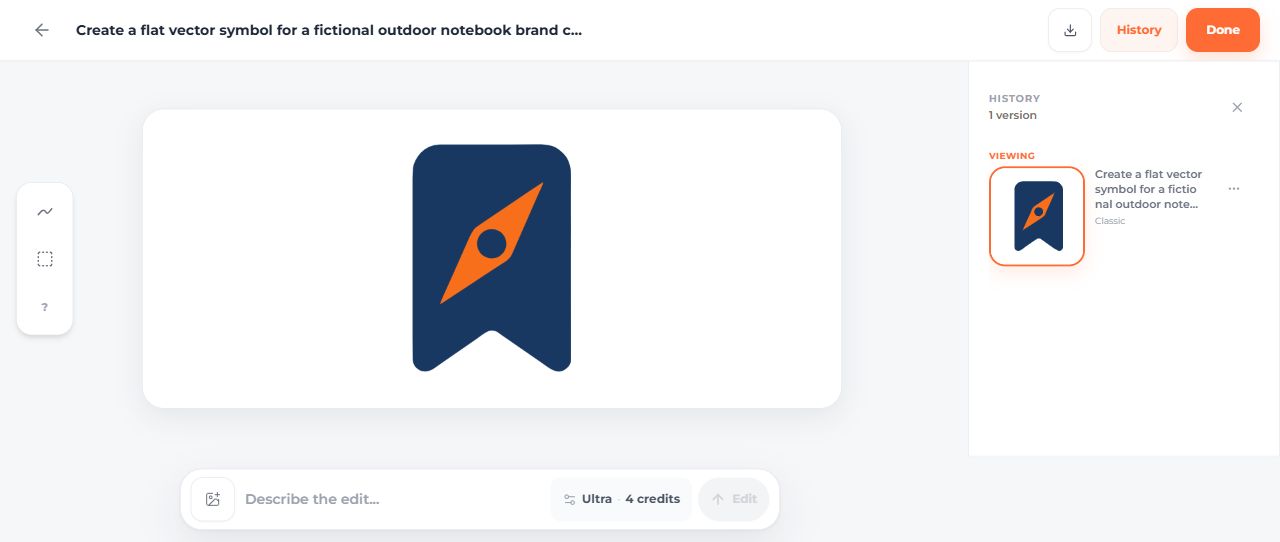
The original mark came from the SVG generator dashboard on September 14, 2026: Classic, one SVG, transparent background, with two credits displayed. It is a fictional notebook bookmark with an orange compass.
The untouched original is 2,552 bytes. The optimization input is a manually prepared derivative: exact brand fills, proportional fitting, a descriptive title and an aria-labelledby reference. It is 2,652 bytes. Comparing the optimizer output against that prepared input keeps the preparation and optimization steps separate.


Reproduce the optimization
Install Node.js, save the input and svgo.config.cjs in a working folder, then run:
npm.cmd init -y
npm.cmd install svgo@4.0.0
npx.cmd svgo --config svgo.config.cjs --input fieldnote-optimization-input.svg --output fieldnote-optimized.svg
The example uses SVGO 4.0.0, multipass processing and three decimal places of precision. Its default preset has cleanupIds disabled so the title identifier remains stable. SVGO documents how to configure the default preset.
The supplied optimized file was produced with those settings. Keep a separate input file, especially when running a new optimizer version or changing precision.

Compare raw and compressed sizes
| File | Raw bytes | Gzip bytes | Paths |
|---|---|---|---|
| Untouched dashboard download | 2,552 | 1,258 | 3 |
| Prepared optimization input | 2,652 | 1,344 | 3 |
| Optimized output | 1,901 | 1,050 | 3 |
The optimizer saves 751 raw bytes and 294 gzip bytes relative to its actual input. Gzip measurements use these exact files; they are not a measurement of a complete web page or its network transfer headers. The measurement JSON includes hashes and renderer details.
Look for changes instead of assuming there are none
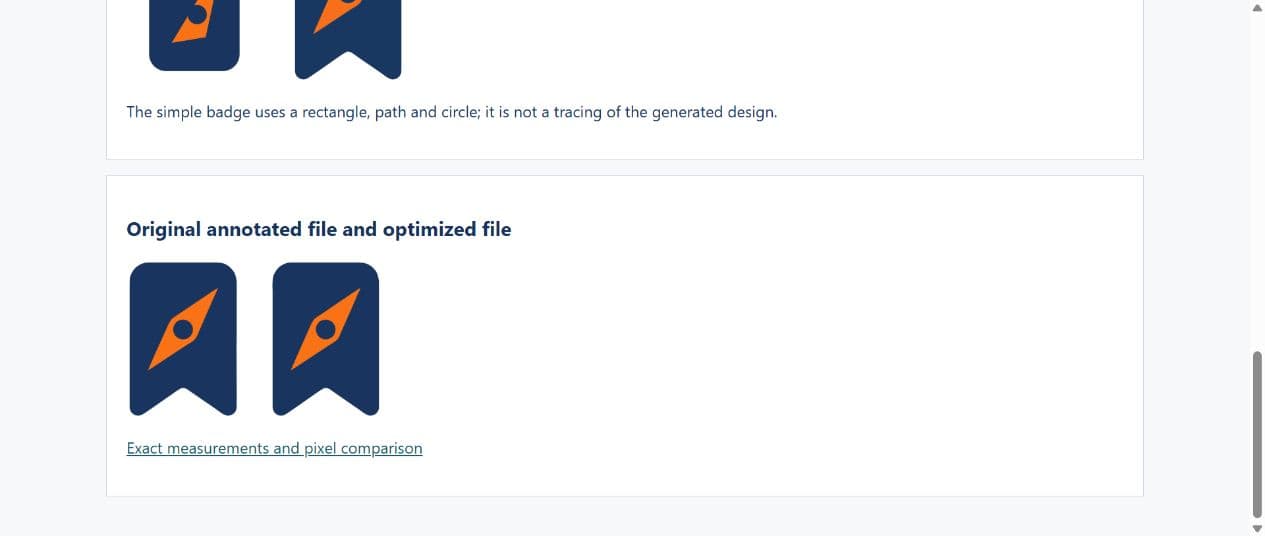
Open the browser comparison. A separate pixel check rendered both files with Sharp 0.34.5 using the same settings and compared their RGBA channels:
| Raster width | Result |
|---|---|
| 24 pixels | No differing channels |
| 128 pixels | No differing channels |
| 512 pixels | 127 of 1,466,368 channels differ; maximum difference 11 on a 0–255 scale |
The 512-pixel result is a small numerical difference, not pixel identity. Inspect edges at the size your project uses and decide whether the reduction is worthwhile. Increase precision or keep the input if a change is unacceptable. This check uses one renderer and three widths; it does not establish cross-browser or print equivalence.
Preserve meaning as well as appearance
The output retains Fieldnote bookmark and compass, its title ID and the matching aria-labelledby. If you inline multiple copies, each ID/reference pair needs to remain unique in the page. When the file is used through an image element, supply the appropriate alt text there.
An optimizer cannot decide whether the compass is too detailed for your smallest placement. Removing it is a design change, covered in the logo simplification tutorial. Preparing a light version for a dark surface is another separate decision, covered in the logo variants guide.
Keep the reviewed input, output, optimizer version and settings together. That gives the next person a reproducible file change rather than an unexplained smaller SVG.
The project workflow shows how to include the versions in a reusable handoff with a README identifying the chosen file.